
Oscium Nomad Review: The Wearable Wi-Fi 7 Analyzer That Ends Roaming Guesswork
Disclosure: Oscium supplied the hardware and software used in this article free of charge. No money changed hands, and nobody approved this draft before publication.
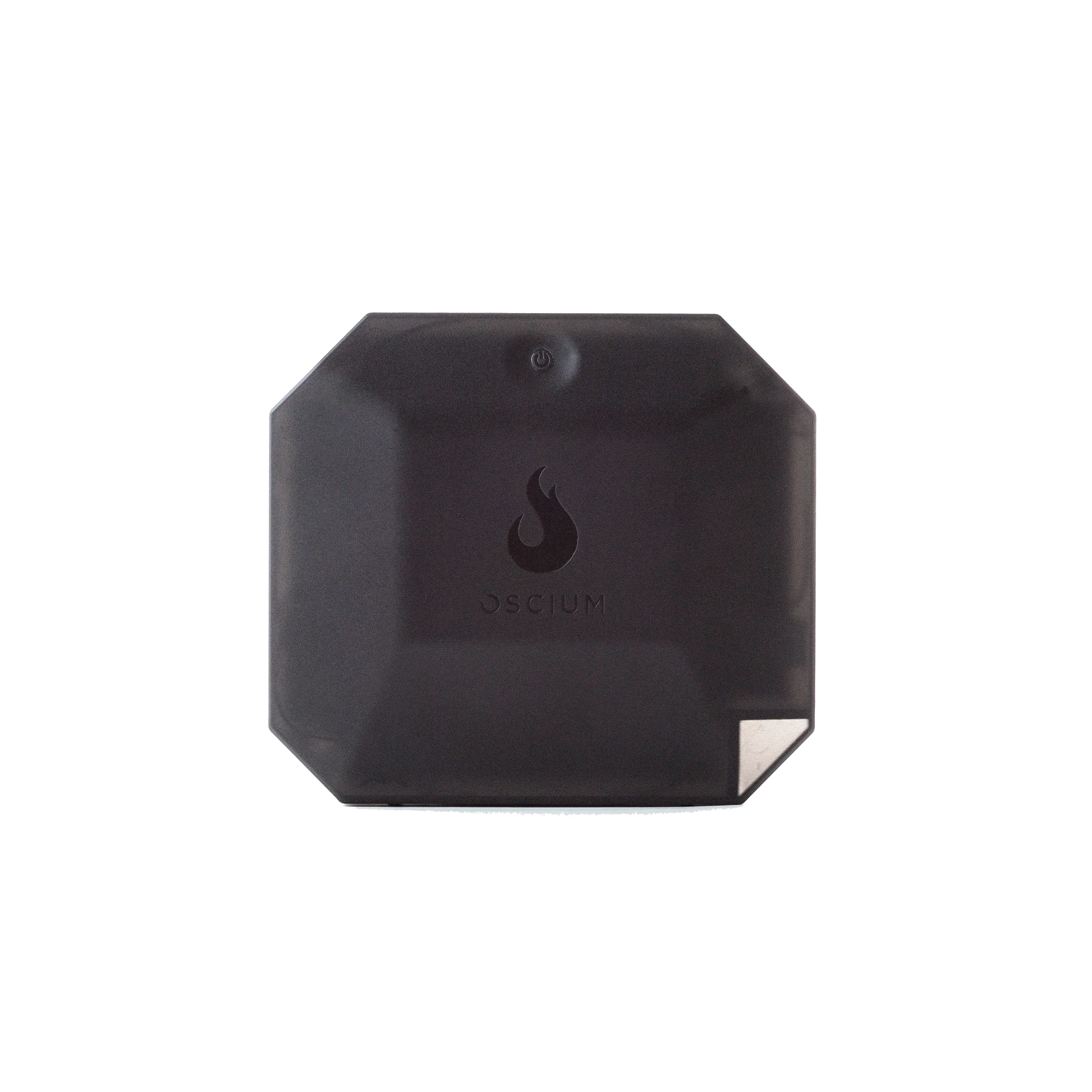
If you have ever walked a building with a laptop on one arm, a spectrum analyzer on USB, and a dying mouse in your pocket, you already know why the Oscium Nomad exists. It is a wearable, battery-powered Wi-Fi measurement device with four simultaneous radios — three 802.11ax and one 802.11be — that pairs over USB-C to a phone, tablet, or laptop so you can run packet capture, troubleshooting, and site surveys while your hands stay free. At list price it sits at $1,710, squarely in “professional tool” territory, so the question is not whether it works but whether it earns its place in your kit bag.
What the Nomad actually is
The spec sheet reads like a wish list from a WLAN engineer who is tired of blind spots:
- Four simultaneous radios — 3x Wi-Fi 6E (802.11ax) plus 1x Wi-Fi 7 (802.11be), each with 2 spatial streams, all monitoring across 2.4, 5, and 6 GHz at the same time
- Parallel channel monitoring — watches multiple channels at once instead of hopping and guessing
- Roaming event visibility — you see the actual roam decisions, which is where most “the Wi-Fi is slow” complaints actually live
- 7500 mAh battery, up to 4 hours of continuous survey time, USB-C Power Delivery charging
- 415 grams (14.75 oz), about 5.5 x 5 x 1.4 inches, with a wearable chest/side strap and a field case in the box
- Strong dynamic range — 0 to -88 dBm on 2.4 GHz and -15 to -92 dBm on 5/6 GHz
- Expansion port — a USB-A port reserved for the Wi-Spy Lucid spectrum analyzer, so spectrum and packets can ride the same rig
The headline claim, and the one that matters professionally, is “four independent radios at once.” Most adapter-based capture setups give you one radio doing one channel at a time. That means every capture is a partial picture: you see the channel you are sitting on, you infer the others, and you rewalk the building when the inference turns out wrong. Parallel monitoring across all three bands is what turns roaming and interference debugging from an art project into a measurement.
The software situation — and why it is the interesting part
Here is the twist: Oscium and MetaGeek are now the same house, and the Nomad runs across multiple software ecosystems instead of locking you into one:
- MetaGeek App ($1,500/yr tier available) — packet analysis workbench on macOS and PC
- Hamina Onsite — site surveys on iPhone, iPad, MacBook, and PC
- Airtool Pi (iOS/iPadOS) and Airtool 2 (macOS) — the Intuitibits workflows a lot of consultants already own
For an installer or consultant shop, that platform flexibility is worth real money: your people can run surveys from an iPad on a ladder and deep packet analysis from a laptop at the desk, on the same piece of hardware. And the whole thing works fully offline — capture and surveys save locally, with cloud sync happening later when you reconnect. In basements, hospitals, and secure facilities where “connect to the cloud” is a wrong answer, that matters.
Use guide: where the Nomad earns its keep
1. Roaming and mobility debugging. This is the flagship use. Walk the roaming path with all radios live and watch the actual association/authentication/reassociation events between APs. If clients keep clinging to a distant AP, or bounce between two APs at a threshold you did not set, you will see it here — in one pass, on all bands, instead of three passes with a single-channel adapter.
2. Wi-Fi 7 and 6E site surveys. The 6 GHz band is where client fleets are heading, and the dedicated 802.11be radio plus tri-band monitoring means survey data reflects the network your customers are actually buying. Survey on the iPad with Hamina Onsite, walk normally, phone in hand; exports land locally and sync later.
3. Interference hunting with the full kit. The Nomad handles packets; the USB-A expansion port carries the Wi-Spy Lucid for spectrum. One body rig gives you the classic one-antenna view — “you see everything on a single antenna,” as one reviewer puts it — so you can correlate a duty-cycle spike in spectrum with the frames hitting the air at the same moment. If you do this work constantly, the Complete Bundle ($4,399) with Wi-Spy Lucid, Chanalyzer + Report Builder, and the MetaGeek App saves over $680 versus buying piecemeal.
4. Walk-testing on the move. Strap it on and walk the building like a human. The battery covers a normal business-hours walkthrough with USB-C PD fast charging for top-ups during breaks. For large warehouses, campuses, or multi-floor healthcare, this is the difference between one walk and two.
5. Customer-facing proof. When a customer says “the Wi-Fi is fine, it’s your device,” four-radios, time-stamped packet captures across all three bands is the most boring, most convincing answer there is.
Practical installer notes
- Host discipline: Oscium recommends USB-C hosts for reliability. On laptops, prefer the direct USB-C ports over hubs and dongles — dropped capture sessions mid-survey are painful.
- Battery planning: 4 hours rated is honest for continuous monitoring. Charge the morning of; PD tops up fine on breaks.
- Bundle math: If you only need packets, the $2,799 Packets Bundle is the value pick. The complete $4,399 kit is worth it only if you will actually open Chanalyzer — most single-tech shops will not, and should stay with the Packets Bundle plus their existing spectrum tools.
- Warranty is 1 year. For a wearable that gets bumped on doorframes, budget a MetaCare-style extension or buy careful.
- Field pairing: Do your first full walk (wear, pair, survey, sync, export) before you arrive at the customer site. Every new rig has one quirk; find it on your own time.
Honest pros and cons
| Pros | Cons |
|---|---|
| Four simultaneous radios incl. a dedicated Wi-Fi 7 radio — roaming visibility single adapters cannot match | $1,710 is a serious tool price; casual IT departments should rent before they buy |
| Software ecosystem flexibility — Hamina, MetaGeek App, Airtool 2, Airtool Pi; no lock-in | Software licensing on top ($1,500 MetaGeek App tier or $750 Chanalyzer) adds up if bought separately |
| Fully offline operation; surveys save locally, sync later | 4-hour battery is adequate, not generous — long warehouse days need a charge break |
| Wearable form factor frees your hands; 415 g is barely noticeable on a strap | Wearable capture is a different workflow than laptop-on-a-cart; take the learning curve before you need it |
| USB-A expansion for Wi-Spy spectrum on the same rig | USB-A for expansion while the data port is USB-C is an odd split — keep the right cable set in the case |
Bottom line
The Nomad is not a gadget; it is a purpose-built measurement instrument with a genuinely differentiated feature — four radios watching all three bands in parallel, which is exactly what multi-vendor Wi-Fi 7 debugging demands. If you are a WLAN consultant, an integrator doing Wi-Fi 6E/7 surveys professionally, or an enterprise team that owns its own wireless, it earns its rack space — and the offline-first, no-vendor-lock-in software stance makes it easier to justify than single-ecosystem competitors. If you only touch Wi-Fi occasionally, inSSIDer is free and will tell you 90% of what you need. Oscium sent me the hardware and software free, and I’d still give you that same advice.
Hardware and software for this article were provided by Oscium at no cost. Product imagery via oscium.com.
Need help turning survey data into a network that behaves? Get in touch.
