
Ubiquiti UNVR Review: The $299 Rack NVR That Built UniFi Protect
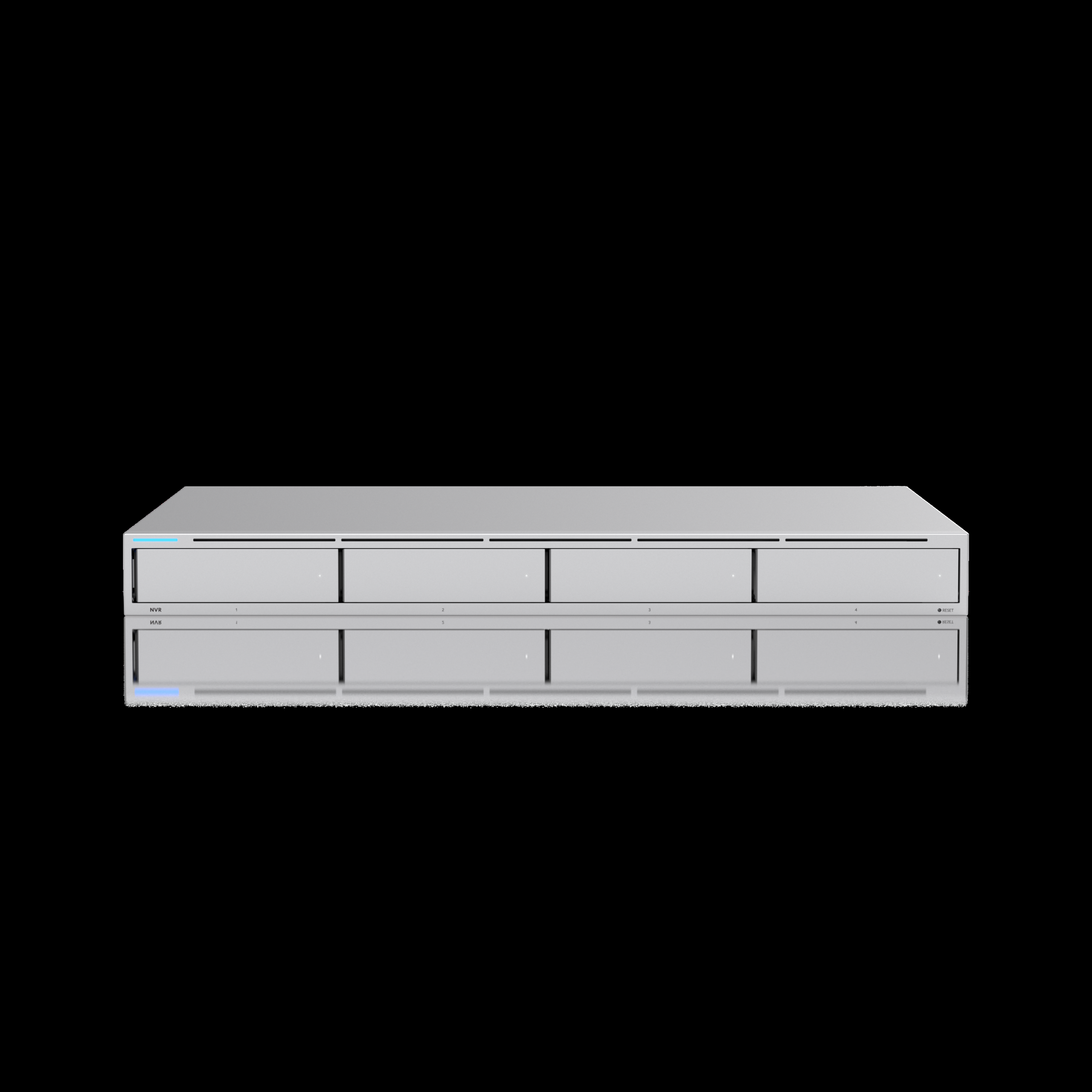
If you run UniFi cameras for a living, you already know the drill: the site works great until somebody asks for ninety days of retention on eighteen 4K cameras. That question is what the UNVR exists to answer, and it answers it better than anything else Ubiquiti has ever shipped in the Protect line. At $299 US MSRP for the recorder itself, it is the rare piece of kit where the price has stayed friendly while the capability quietly grew up.
This is the recorder that turned UniFi Protect from a niche NVR into something installers genuinely bid against Western Digital and Synology. Let’s walk through exactly what it is, what it isn’t, and where it earns its rack unit.
What the UNVR Is
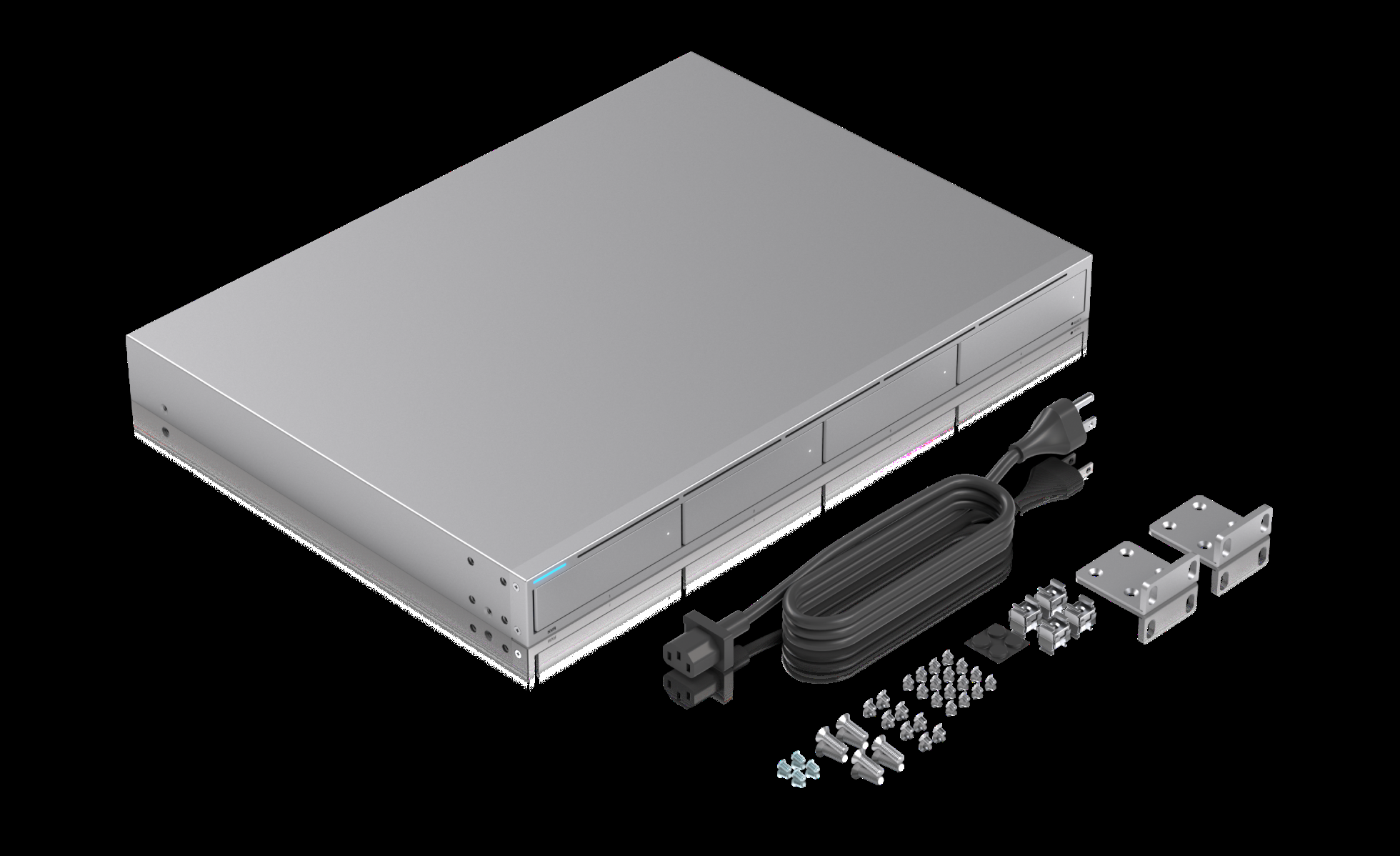
The UNVR is Ubiquiti’s 1U rack-mount network video recorder for the UniFi Protect application. It is a dedicated appliance — you don’t install an OS on it, you adopt it into your Network application and it boots straight into Protect. Every spec below is taken straight from Ubiquiti’s official product page and datasheet.
Verified Specifications
The Numbers That Matter
| Item | UNVR (official spec) |
|---|---|
| Managed cameras | (60) HD / (30) 2K / (18) 4K |
| Drive bays | (4) 2.5/3.5″ HDD / SSD, hot-swap |
| Data protection | RAID (configurable SHR/RAID levels in Protect) |
| Networking | (1) 10G SFP+ uplink + (1) GbE RJ45 management port |
| Processor | Quad-core ARM Cortex-A57 @ 1.7 GHz |
| Memory | 4 GB |
| Power supply | Internal AC/DC 120W; universal input 100–240VAC 2A max, 50/60 Hz |
| Power redundancy | USP-RPS DC input (11.5V DC, 10.43A) — RPS ready |
| Max power draw | 100W (75W budget across the four drives) |
| Form factor | 1U rack mount, SGCC steel enclosure |
| Dimensions | 442 x 325 x 44 mm (17.4 x 12.8 x 1.7 in) |
| Weight | 5.1 kg / 11.3 lb without brackets (5.2 kg with) |
| Operating range | -5 to 40°C (23–104°F), 5–95% non-condensing |
| NDAA compliant | Yes |
| Certifications | CE, FCC, IC, SRRC, Anatel |
| MSRP (store, Oct 2026) | $299 USD (drives sold separately) |
The Storage Math Installers Actually Care About
Ubiquiti’s headline claim for the UNVR is up to 30 days of retention for 18 4K cameras or 60 Full HD cameras. That figure assumes you load it with high-capacity enterprise drives — the bays themselves are just four trays. In practice, four 20TB drives gets you comfortably past the 30-day benchmark on a mixed 4K/2K deployment, especially if you lean on Protect’s variable bitrate recording and motion-activated profiles on the low-traffic cameras.
One detail from the spec sheet that deserves more respect than it gets: the 75W drive power budget. Four 3.5″ enterprise drives under spin-up can draw close to that ceiling together, so use quality power supplies in your rack and don’t cheap out on what feeds the unit.
Why Installers Pick the UNVR
1. The ten gig uplink is real
The SFP+ port isn’t decoration. On a converged rack where Protect lives on the same switch as the rest of the network, a single 10G uplink keeps camera write traffic from fighting your management traffic. Pair it with a Dream Machine or UniFi gateway with an SFP+ port and the whole video floor basically disappears from your latency conversation.
2. Redundant power on request
The USP-RPS DC input means you can bolt Ubiquiti’s redundant power system to the back for sites where downtime is a liability discussion — clinics, warehouses, anything with a nightly backup window and a human who has to drive out at 2 AM if it blinks.
3. It’s genuinely a Protect box, not a NAS pretending
The UNVR runs Ubiquiti’s appliance image. You adopt it, you adopt cameras, you set retention, and you walk away. Database self-maintenance, offsite backup to another UNVR or Cloud Key, and Ubiquiti’s live-review scrubbing all behave because the vendor controls the whole stack.
4. NDAA compliant out of the box
For federal-adjacent, municipal, or grant-funded sites, the compliance checkbox is printed right on the official spec page. That alone wins bids.

Pros and Cons
Pros
- $299 MSRP is still aggressive for a 4-bay enterprise appliance with 10G
- 60 HD / 30 2K / 18 4K camera ceiling covers most SMB racks in one box
- RAID/SHR protection with hot-swap bays — pull a drive without touching a screwdriver
- 10G SFP+ uplink standard, plus RPS DC redundancy option
- NDAA compliant; simple adoption and zero-OS maintenance
- Runs silent-cool in a 1U SGCC steel chassis that racks cleanly
Cons
- No drives in the box — a loaded UNVR with four enterprise HDDs costs several times the box price
- 4 GB RAM is fine for Protect, but it’s not a general-purpose server; don’t plan on containers
- Arm Cortex-A57 is the same SoC generation as the older Cloud Key family — competent for video, not quick for heavy AI analytics on every camera
- Protect-only ecosystem: if a client refuses UniFi cameras, this box does nothing for them
- Single internal PSU standard (redundancy is an add-on accessory)
Real Install Use Cases
The 30-camera warehouse. Eighteen G6/G5 Pro 4K on the dock doors and yard, the rest 2K indoors on motion profiles. Four 16TB drives in RAID protects 30+ days on the 4K streams and months on the indoor ones. This is the UNVR’s bread and butter.
The multi-site MSP rack. One UNVR per client site beats shared cloud storage on monthly cost after about year two, and Protect’s offsite backup lets a flagship site double as the archive for the smaller ones running Cloud Key or UNVR-Pro-lite deployments.
The compliance retrofit. NDAA-compliant recording hardware with local retention and RAID — when the bid sheet has hard requirements written by an auditor, the UNVR checks the boxes without custom quoting.
Installer note: bring the SFP+ transceiver with you. It’s the one accessory that’s never in the van, and a box of cameras adopted over a gigabit link on day one gets quietly upgraded to fiber on the warranty callback.
Bottom Line
The UNVR is the most cost-effective way to anchor a UniFi Protect deployment the moment a site crosses roughly twenty cameras or one serious 4K requirement, and it has been for years. The CPU is modest, the RAM is modest, but the job it was designed for — writing video reliably for months and surviving a drive failure — it does better than boxes costing three times as much. If your client is all-in on UniFi, buy the UNVR, buy the drives, buy the transceiver, and spend your billable hours on the cameras instead.
Speculating on a deployment? Get in touch and I’ll size the bays.
Product specifications, pricing, and imagery sourced from Ubiquiti’s official UNVR product page at ui.com (October 2026). Product images courtesy of Ubiquiti Networks.
