
TP-Link EAP783 Review: The Wi-Fi 7 Ceiling AP Where the Radios Finally Catch the Uplink
When TP-Link launched its first wave of Omada Wi-Fi 7 access points, the flagship ceiling model was the EAP773 — a strong AP that was still held back by one spec sheet compromise: earlier firmware needed PoE++ to feed it properly, and its radio was a 2×2 design on the top bands. The EAP783 is the model TP-Link built when they decided to stop compromising. Four spatial streams per band, a true BE22000 rating, two 10G ports, and a native PoE++ power budget. If you install wireless for a living, this is the Omada AP that finally matches what the Wi-Fi 7 marketing promises.
The Short Version
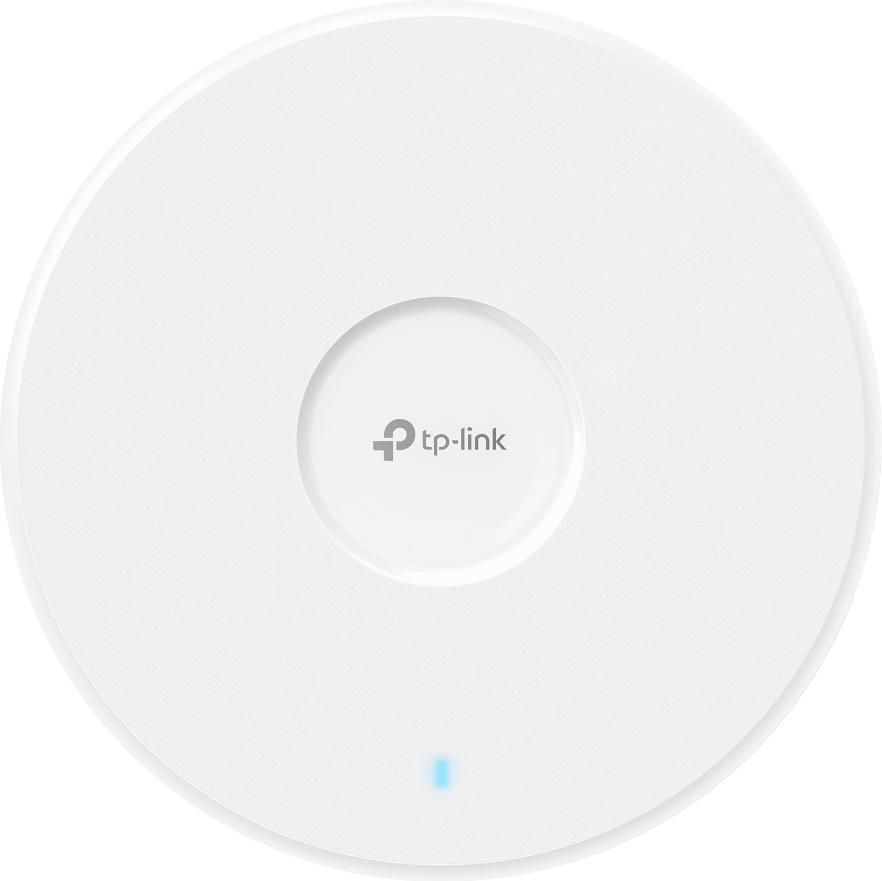
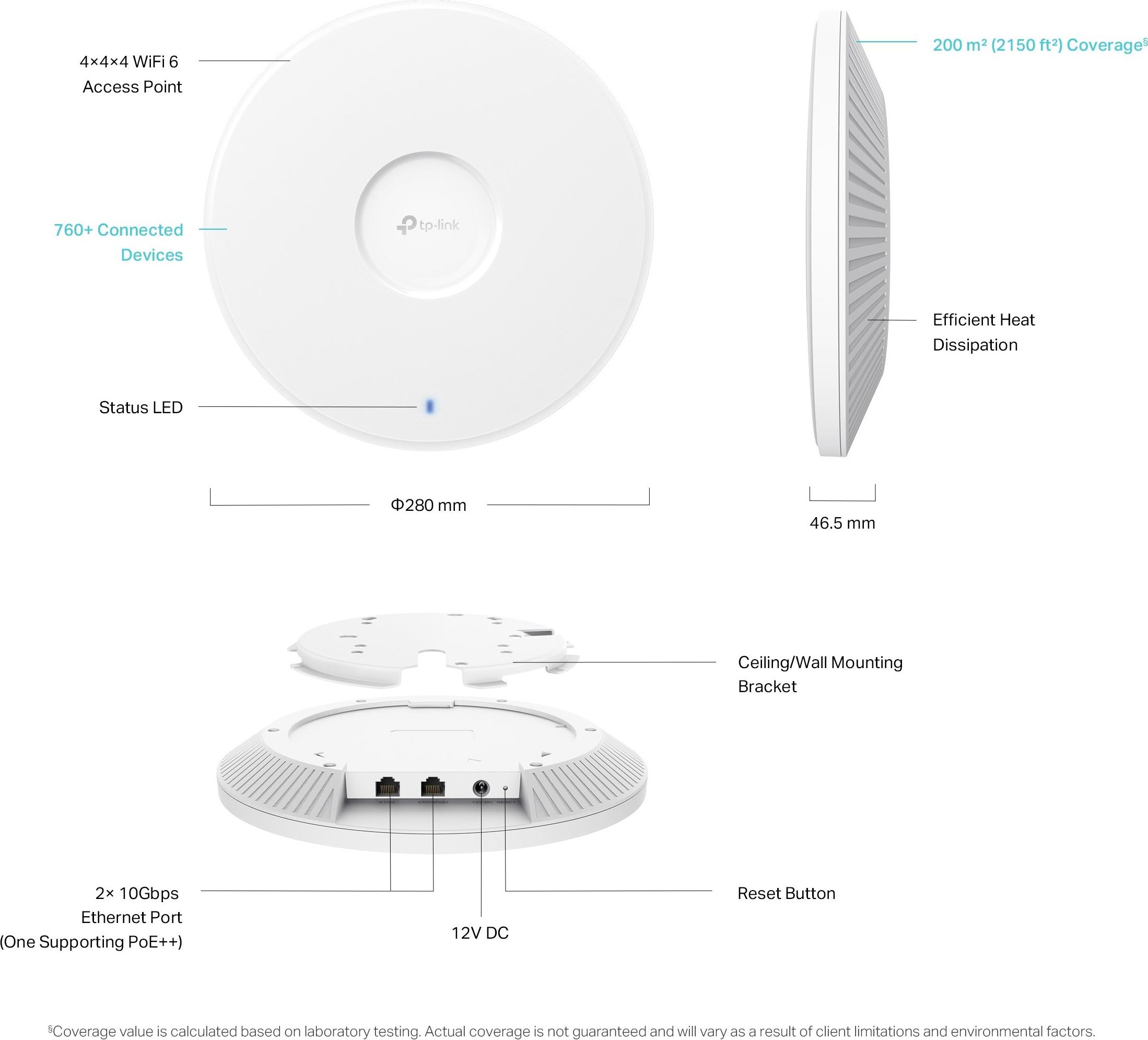
The EAP783 is Omada’s flagship tri-band Wi-Fi 7 ceiling AP: 4×4 on all three bands, up to 22 Gbps aggregate PHY rate (11520 Mbps on 6 GHz, 8640 on 5 GHz, 1376 on 2.4 GHz per TP-Link’s spec page), dual 10G Ethernet ports, 802.3bt PoE++ powered, and rated for 760+ concurrent clients across roughly 2150 ft² of coverage. Street pricing generally lands in the low-to-mid hundreds at authorized Omada resellers — a serious discount to what the enterprise-line equivalents from the big three cost.
I’ve spent the last year swapping Wi-Fi 6 APs for Wi-Fi 7 boxes on customer sites, and the honest take is that most “Wi-Fi 7” upgrades so far have been marketing — a 2×2 radio wearing a new badge. The EAP783 is different in one specific way: it is the first Omada AP whose radio side is genuinely wider than its uplink was, which is exactly why TP-Link gave it two 10-gig ports. Everything below is from TP-Link’s official spec page so you can put it straight into a design doc. If your site already runs Omada SDN, adding this AP is a controller-side click, not a rip-and-replace project — which is how you justify mixing one flagship room with cheaper coverage APs everywhere else.
Verified Specifications (TP-Link official spec page)
| Feature | EAP783 (BE22000) | EAP773 (BE11000, previous flag) |
|---|---|---|
| Wi-Fi standard | Wi-Fi 7 (802.11be), tri-band | Wi-Fi 7 (802.11be), tri-band |
| Max data rate | 11520 (6 GHz) + 8640 (5 GHz) + 1376 (2.4 GHz) Mbps | 5760 (6 GHz) + 4320 (5 GHz) + 574 (2.4 GHz) Mbps (US) |
| Spatial streams | 4×4 per band (12 total chains) | 2×2 top bands (6 streams total) |
| Ethernet | 2× 10G ports | 1× 10G port |
| Power | 802.3bt PoE++ or 12V DC (adapter not in box) | Firmware 1.0.12+ supports PoE+; earlier firmware required PoE++ |
| Max power draw | 39 W | ~25.4 W (PoE, US spec) |
| Coverage / clients | ~2150 ft², 760+ concurrent clients | ~1500 ft², 380+ concurrent clients |
| Antennas | Internal omni: 4× 4 dBi (2.4), 4× 5.5 dBi (5), 4× 5 dBi (6) | 2× per band (4/5/5 dBi) |
| Size / weight | 280 × 280 × 46.5 mm, 1384.6 g | 220 × 220 × 32.5 mm, 736 g |
| Bluetooth | Yes | Bluetooth 5.2 |
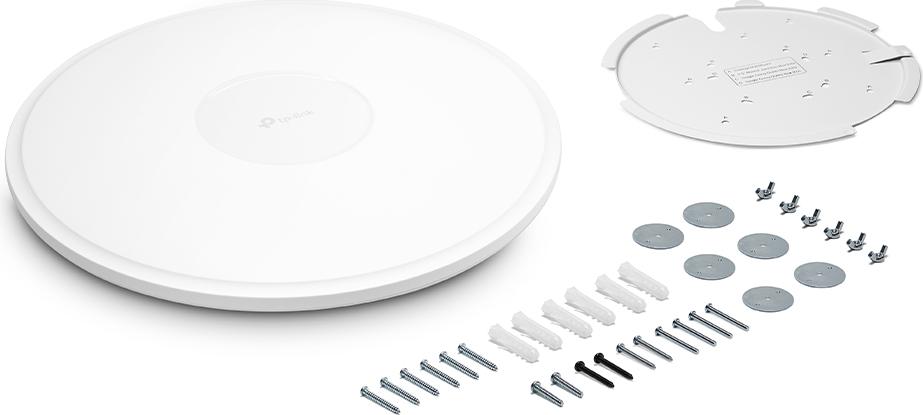
| Mounting | Ceiling/wall, kits included | Ceiling/wall, kits included |
Feature set confirms it runs the full Wi-Fi 7 toolbox: MLO, 4K-QAM, 320 MHz channels on 6 GHz, UL/DL OFDMA, MU-MIMO, BSS coloring, and TP-Link’s AI Roaming, band steering, and mesh — plus WPA3-Enterprise, PPSK, VLANs, captive portal, and rogue AP detection. Management through the Omada controller (software, hardware OC200/OC300, or cloud), SNMP v1/v2c/v3, and SSH.
What Stands Out From an Install Perspective
Two 10G ports change the switch math. One uplink, one daisy-chain or server link. In practice this means you can drop the EAP783 at the end of a 10G run and keep the ring/daisy going without a switch drop at every AP — the second port supports link aggregation per TP-Link’s materials. If your core is still all 2.5G, this AP is the best excuse on Omada’s menu to justify an Aggregation/Pro-series uplink.
PoE++ budget planning. 39 W max draw means an 802.3bt port — no adapter workaround, and the DC adapter isn’t in the box. If your switches are PoE+ only, this AP is a switch-replacement trigger, not a retrofit.
Dual 4×4 radios are the real story. The extra spatial streams are what make MLO actually deliver; a 2×2 client bonded to a 4×4 AP is where real-world multi-gig wireless finally stops being a spec-sheet trick. TP-Link’s own lab test showed 5.1 Gbps bidirectional on 6 GHz with a single Intel BE200 laptop against the EAP773 — double the chains here means the EAP783 is the AP you point that laptop at for the top numbers.
Density, not just speed. 760+ concurrent clients and 24 SSIDs is a venue number, not an office number. If you’re designing for a hall, house of worship, or dense open-plan floor with voice and video overlapping, this is the AP to anchor the room, then fill gaps with EAP772s or wall plates.
Pros and Cons
Pros: dual 10G, 4×4 tri-band with full 320 MHz on 6 GHz, huge client capacity, native PoE++ (no firmware caveat like the EAP773’s launch), full Omada SDN including cloud and zero-touch provisioning, WPA3-Enterprise/PPSK, Bluetooth onboard, kits in the box, and a price that still embarrasses enterprise-brand equivalents.
Cons: PoE++ budget commitment if your switches are older (DC adapter not included), physically big and heavy for the ceiling tile crowd, 6 GHz and AFC considerations apply on any Wi-Fi 7 deployment, MLO/320 MHz benefits depend entirely on clients that speak Wi-Fi 7, and the full feature set (mesh, AI roaming, captive portal, cloud) requires an Omada controller — standalone mode won’t give you the brochure.
Where I’d Put One
This is my default “main room” AP on any site where the client is actually buying into multi-gig: the conference room with the wall of laptops, the warehouse office with barcode carts and voice, the clinic with wireless emr carts on 6 GHz. On a 2.5G-to-the-edge design I’d save the 10G ports for the IDF side and use an EAP773 instead — you pay for the second 10G port whether you land it or not. For the small-office price-shopper, the EAP723 covers most needs for a third of the money; you’re buying this AP for density, MLO headroom, and dual uplinks.
Bottom Line
The EAP783 is the first Omada AP whose radios are genuinely faster than its network connection was until they added the dual-10G ports — and now they match. If you’re already on Omada SDN and you have 10G or PoE++ to give it, this is the easiest flagship-tier performance in the business right now. Start the quote with the switch it plugs into, and put the AP at the top of the BOM where it belongs.
Specifications sourced from TP-Link’s official Omada EAP783 product page (tp-link.com); comparison column from TP-Link’s official EAP773 datasheet. Product images are official TP-Link imagery, white space trimmed, and used under fair-reporting — credit: TP-Link.
