
Ubiquiti UCG-Ultra Review: The $129 Gateway That Runs the Full UniFi Network Stack
Why the UCG-Ultra Ended Up in More Install Bags Than the Dream Machine
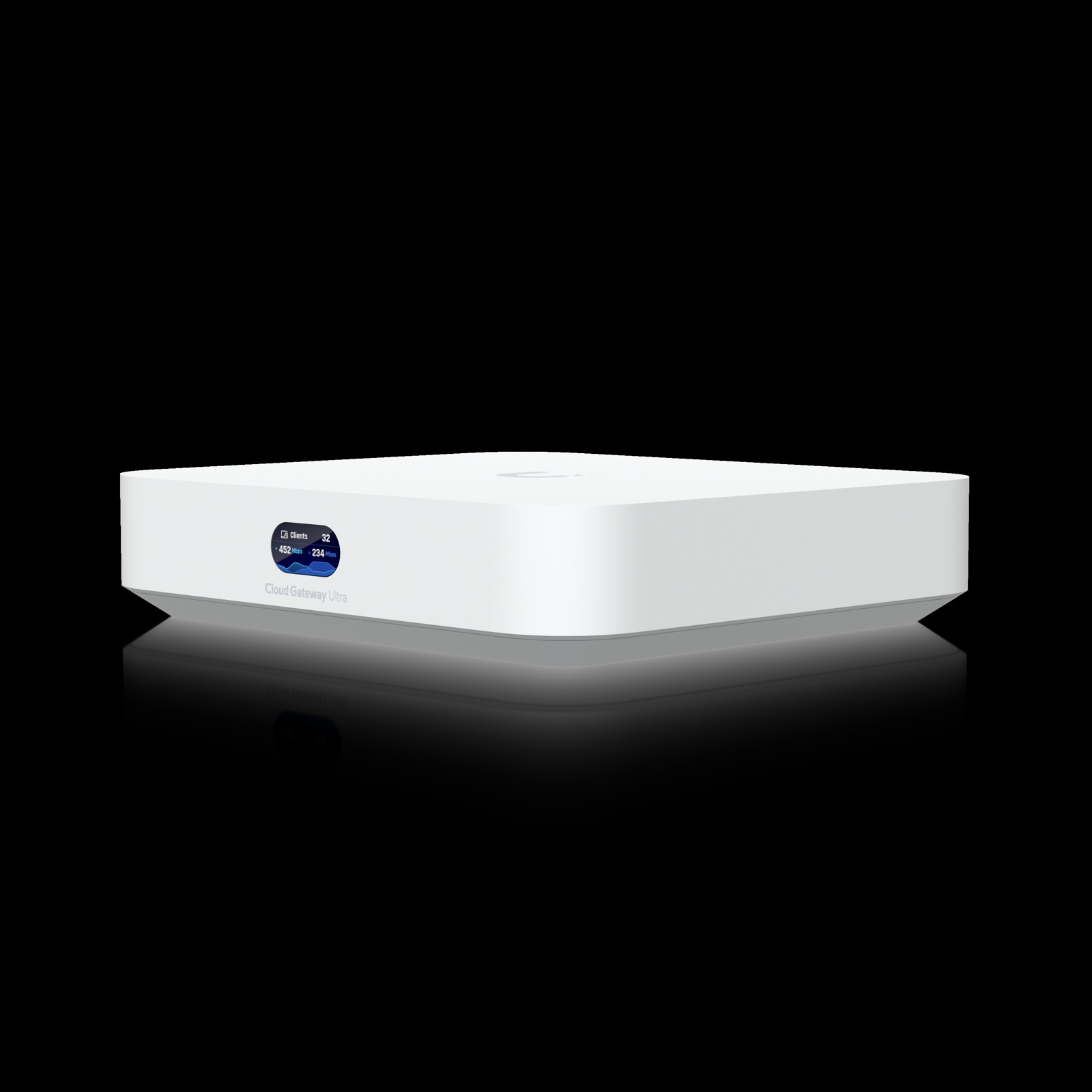
The Ubiquiti Cloud Gateway Ultra is the box I hand to the customer who says “I don’t need a rack” but still wants UniFi done right. It runs the full UniFi Network application natively, supports 30-plus UniFi devices and 300-plus concurrent clients, and pushes a rated 1 Gbps of IDS/IPS throughput from a polycarbonate cube that sips 6.2 watts over USB-C. Retail is $129 at the Ubiquiti Store, and for small office, retail shop, and home-office work it has quietly become my default gateway when Protect and Access aren’t in play.
I’m not writing this from a spec sheet summary — this is what the verified Ubiquiti tech specs page says, what it costs, and where the box earns its place on the shelf versus its bigger sibling, the Cloud Gateway Max.
Verified Specifications: Ubiquiti Cloud Gateway Ultra (UCG-Ultra)
| Spec | UCG-Ultra |
|---|---|
| UniFi application | Network (native) |
| Managed UniFi devices | 30+ |
| Simultaneous connected users | 300+ |
| IDS/IPS throughput | 1 Gbps |
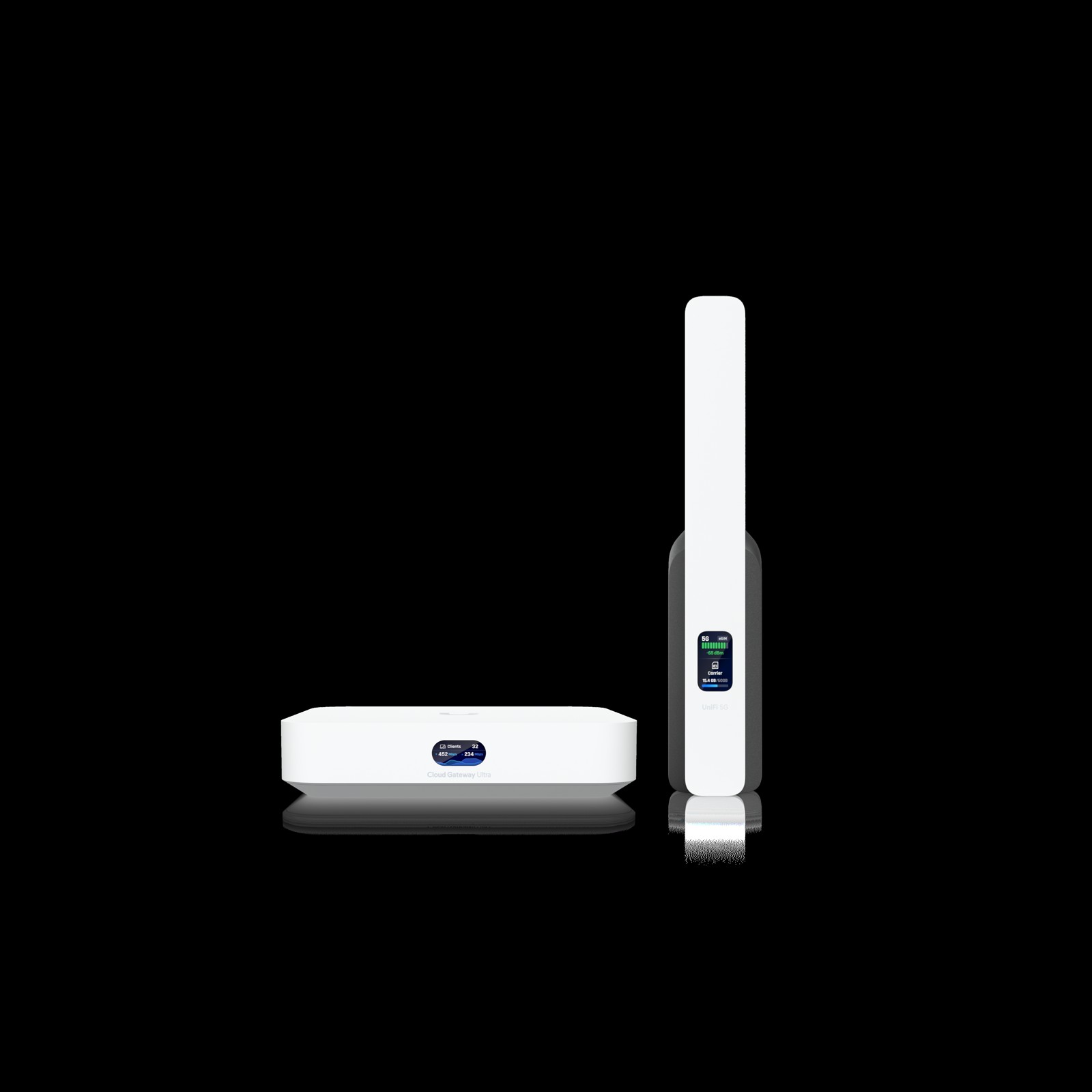
| Ports | (1) 2.5 GbE RJ45 WAN (2.5G/1G/100M/10M), (4) 1 GbE RJ45 (1G/100M/10M); max 4 WAN ports |
| Firewall | Stateful, application-aware Layer 7, zone-based, DPI & traffic identification |
| Filtering & security | Content filtering, IPS/IDS, ad blocking, 55,000+ IDS/IPS signatures (with CyberSecure), VLAN/subnet segmentation |
| VPN | License-free SD-WAN, Site Magic, IPsec, OpenVPN; server: Teleport zero-config, WireGuard, OpenVPN, L2TP; client: OpenVPN, WireGuard |
| Routing | Multi-WAN load balancing, OSPF, BGP, policy-based WAN/VPN routing, advanced QoS, mDNS, advanced NAT (SNAT/DNAT/masquerade/NAT pooling/1:1) |
| RADIUS | Integrated RADIUS server, RadSec (RADIUS over TLS) |
| Failover | Additional internet failover with UniFi LTE Backup; internet quality and outage reporting |
| MAC address table | 2,000 |
| Processor | Quad-core ARM Cortex-A53 at 1.5 GHz |
| Memory / storage | 3 GB system memory, 16 GB onboard storage |
| Power | USB-C, 5V DC/3A (adapter included); max consumption 6.2W; heat dissipation 21 BTU/hr |
| Size / weight | 141.8 x 127.6 x 30 mm (5.6 x 5 x 1.2 in), 520 g (1.1 lb), polycarbonate enclosure |
| Extras | 0.96-inch status display, management Ethernet, Bluetooth, factory reset button, NDAA compliant (CE, FCC, IC, Anatel, SRRC) |
| Operating range | -10 to 40 C (14 to 104 F), 5 to 95% non-condensing |
| Price | $129 USD (Ubiquiti Store, at time of writing) |
UCG-Ultra vs. Cloud Gateway Max: What the Extra $150 Buys
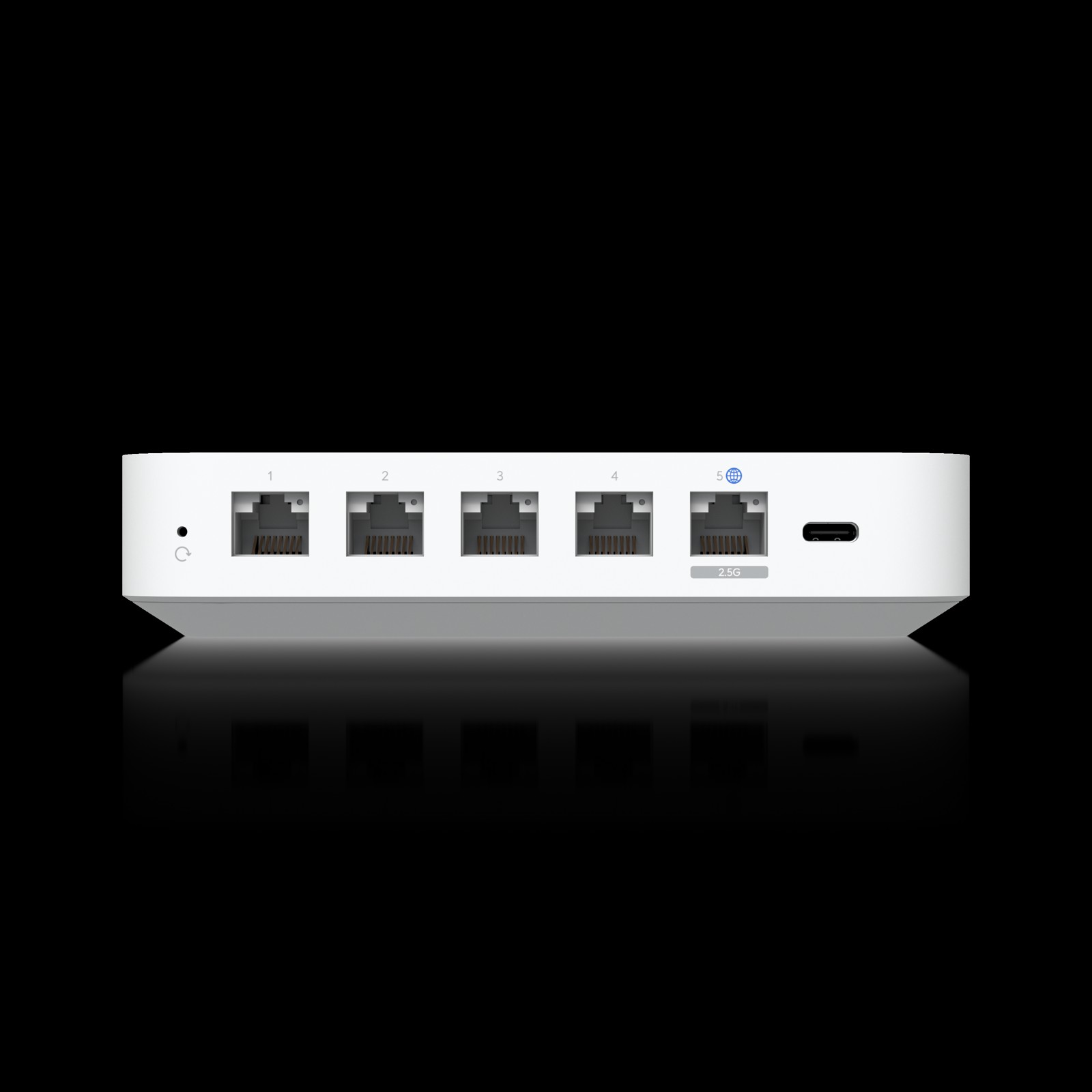
Same chassis footprint, same quad-core Cortex-A53 at 1.5 GHz, same 3 GB of memory — so where does the money go? Straight from the spec pages:
| Spec | UCG-Ultra ($129) | UCG-Max ($279) |
|---|---|---|
| UniFi applications | Network only | Network, Protect, Access, Talk, Connect |
| IDS/IPS throughput | 1 Gbps | 2.3 Gbps |
| Ports | 1x 2.5 GbE WAN + 4x 1 GbE | 5x 2.5 GbE |
| NVR storage | None | Selectable NVMe SSD up to 2 TB |
| Power | 5V/3A USB-C, 6.2W max | 5V/5A USB-C, 16.1W max |
| Managed cameras | Via a separate application host | 15 (8 HD / 5 2K / up to 4K) |
| Managed access hubs | Via a separate application host | 50 |
The rule I give clients is simple: if Protect cameras are going to live on the gateway itself, buy the Max. If you already have a Cloud Key, a UNVR, or a little Linux box running the UniFi stack, the Ultra is the smarter half-the-money gateway — you’re paying for routing silicon, not a camera NVR you’ll never use.
What It’s Actually Like on a Job
Installer note: the USB-C power situation sounds cute until the customer unplugs the power adapter and leaves the gateway dark. Yes, a decent 5V/3A supply will run it — but I label the adapter at every install so it never walks away. Power draw is genuinely trivial (6.2W max means the enclosure barely warms up), which is the only reason I’m comfortable floating this on the magnetic mount behind a desk instead of rack-mounting something with fans.
Small office, 15-30 UniFi endpoints. Sweet spot. A handful of APs, a couple of switches, a Flex camera or two on a separate application host: well inside the 30-device support ceiling, and the onboard RADIUS server with RadSec means you can run WPA3-Enterprise auth without spinning up a Windows NPS box for the show.
Retail shop with multi-WAN. Four WAN ports of support (native 2.5G on one, gigabit on the rest) means cable business plus LTE failover via a UniFi LTE backup modem is a real, monitorable configuration — the gateway ships with internet quality and outage reporting built in. For a shop where the POS dies when the internet does, failover that’s visible in the same console as everything else is worth the whole box price.
Home office with a real fiber circuit. The single 2.5GbE WAN is the honest limitation: if your ISP hands you a 2.5G handoff and you’re paying for symmetry, remember this box’s IDS/IPS is rated for 1 Gbps, so enabling strict mode will throttle you below what the pipe can push. Fine at line rate with IDS in standard mode; if you want inspection at full 2.3 Gbps, sell the Max.
Multi-site SD-WAN. License-free SD-WAN and Site Magic on a $129 gateway is absurd value. A five-store retail group with an Ultra at each site reports to one console with policy-based WAN routing and no per-site license line items — the legacy routers this replaced all had a subscription appendix attached to the quote.
Adoption ceiling math. The 30-device limit sounds small on paper, but count honestly: every AP, switch, camera, door controller, and plug counts against it. A twelve-AP office with two switches and a camera is already at fifteen. If the build grows past thirty UniFi endpoints in two years, start on the Max or a Cloud Key Gen2 Plus host so nobody re-hosts the controller mid-warranty.
The Honest Cons
- No local application host for Protect/Access. Network application only. Plan a Cloud Key Gen2 Plus, UNVR, or self-hosted stack the moment cameras or door controllers enter the picture.
- 1 Gbps IPS ceiling. Oversold by the 2.5G WAN port — enable inspection and know which one is your bottleneck.
- USB-C powered. Great for a powered hub shelf, less great when the adapter walks off. Label it.
- 16 GB storage, 2,000-entry MAC table. Plenty for its class, but this is the entry point of UniFi networking, not the enterprise core.
Bottom Line
The UCG-Ultra is the best price-per-feature gateway Ubiquiti makes — for the jobs it was cut for. It runs the full UniFi Network stack natively, does stateful L7 firewall, zone-based policy, OSPF/BGP, RADIUS with RadSec, and license-free SD-WAN in a 520-gram desktop cube that draws barely six watts. If your install needs local Protect/Access apps or full 2.5G IPS throughput, pay up for the Cloud Gateway Max. If it doesn’t, put the difference back into the AP budget — the Wi-Fi is where this customer will feel the money anyway.
Thinking about a UniFi deployment sized correctly — gateways, switching, and adoption ceilings that leave headroom? Get in touch and let’s spec it right the first time.
Product specifications and pricing sourced from Ubiquiti’s official tech specs page (techspecs.ui.com) and the Ubiquiti Store, October 2026. Product imagery courtesy of Ubiquiti Networks.
