
Synology DS423 Review: The Budget 4-Bay That Kept Btrfs and Snapshot Protection
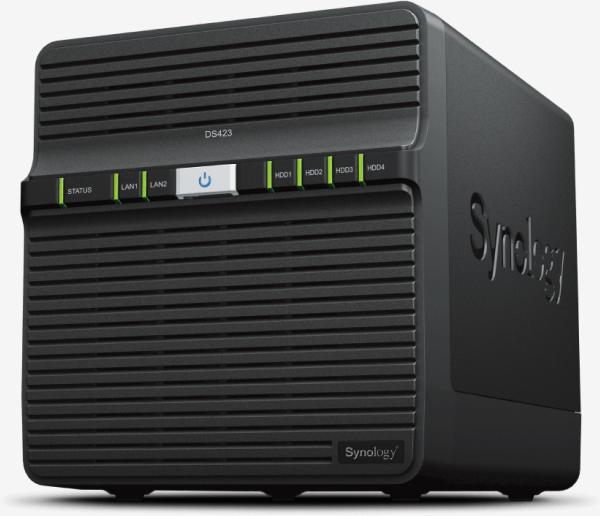
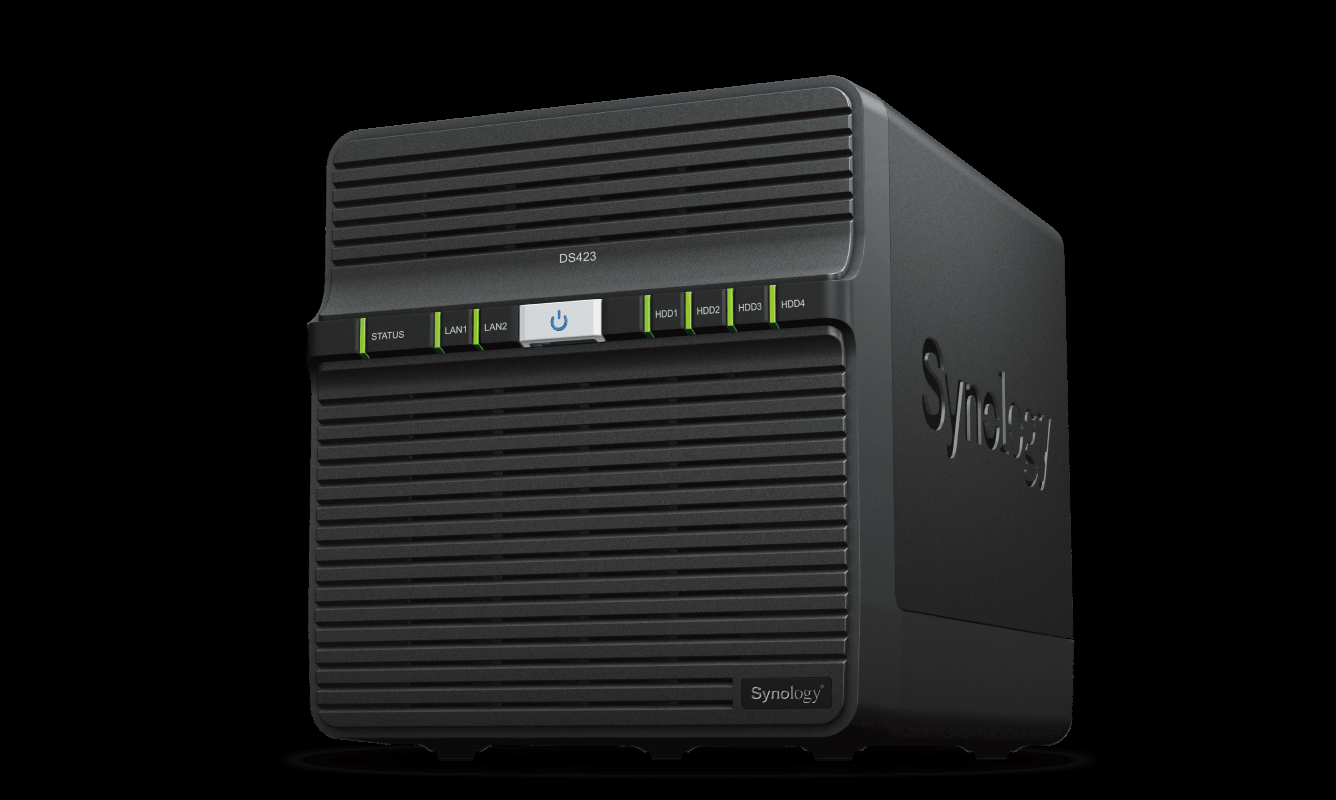
The Synology DS423 is the company’s value-tier four-bay DiskStation, and it occupies an interesting spot in the lineup: real Btrfs protection and a full DSM feature set, wrapped around a modest ARM processor and dual gigabit ports. If you install NAS boxes for a living — small offices, home labs, remote sites — the DS423 is the model you quote when the customer needs four hot-swap bays and enterprise-grade data services without paying for a CPU they’ll never feed. Here’s everything Synology actually publishes about it, and where it earns its place on the shelf versus where the step-up models start to matter.
Who the DS423 is actually for
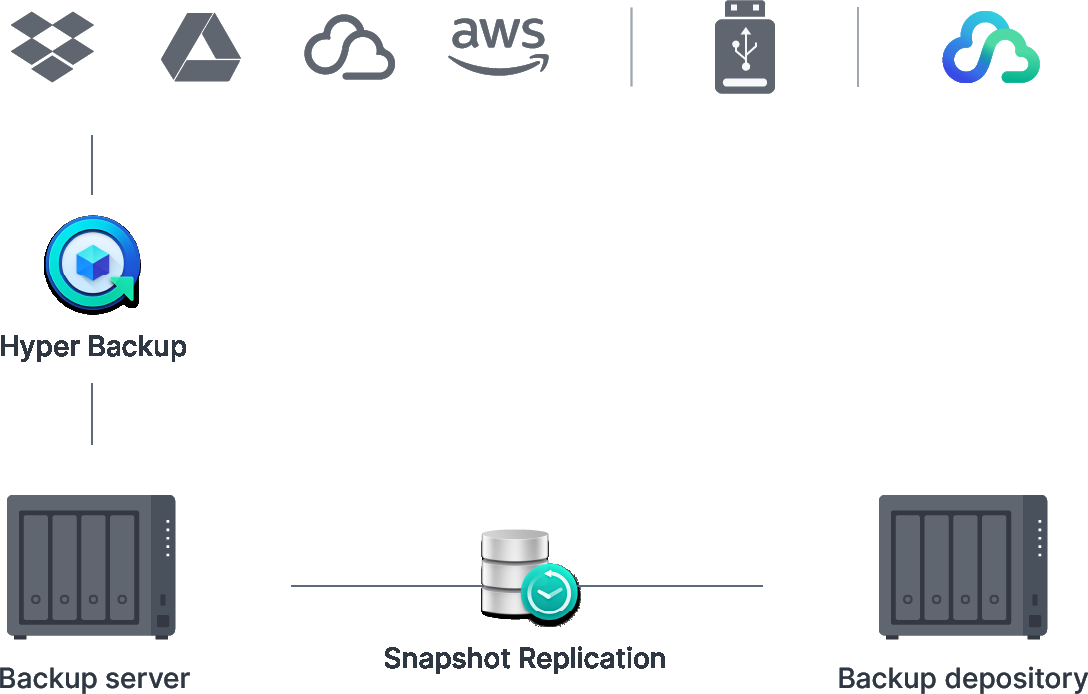
Synology positions the DS423 as a “versatile data management platform,” and the spec sheet tells the same story from another angle. This is a four-bay box on a Realtek RTD1619B quad-core ARM CPU with 2 GB of non-ECC memory. There is no NVMe cache, no 2.5GbE, and the software ceilings — 256 local users, 64 shared folders, 5 Drive users, 5 FSCT-measured SMB connections — draw a hard line between this and the Plus series. But the data-protection layer is the same one Synology charges a premium for everywhere else: Btrfs with instant snapshots, snapshot replication with an RPO as low as five minutes, and license-free backup tooling.
Verified specifications
Everything in this table comes straight from Synology’s official DS423 specification page.
| Specification | Synology DS423 |
|---|---|
| CPU | Realtek RTD1619B, quad-core / 4 threads, 1.7 GHz, 64-bit, hardware encryption engine |
| Memory | 2 GB DDR4 non-ECC |
| Drive bays | 4 × 3.5″ SATA HDD or 2.5″ SATA SSD, hot-swappable |
| RAID types | SHR, Basic, JBOD, RAID 0/1/5/6/10; migration Basic→RAID 1/5, RAID 1→5, RAID 5→6; global hot spare with SHR/RAID 1/5 |
| Max single volume | 108 TB |
| File systems | Btrfs and ext4 internal; Btrfs, ext4/ext3, FAT32, NTFS, HFS+, exFAT external |
| Networking | 2 × 1GbE RJ-45 (MTU limited to 1500) |
| USB | 2 × USB 3.2 Gen 1 |
| File services | SMB (1/2/3), AFP, NFS (v3/v4/v4.1 + Kerberos), FTP, WebDAV, rsync, iSCSI |
| SMB connections (FSCT-based) | 5 |
| iSCSI | 2 targets, 4 LUNs, LUN clone/snapshot, Windows ODX |
| Surveillance Station | 2 licenses included, up to 30 IP cameras (8,300+ validated models/ONVIF); 4K: 15 ch H.264 / 20 ch H.265 |
| Synology Drive / Office | 5 users each; 100,000 hosted files; 2 shared-folder sync tasks |
| VPN Server | 2 connections |
| Snapshots | 128 per shared folder, 32 per LUN, 1,024 per system; 16 replication tasks |
| Log Center | 400 syslog events per second |
| Fans / noise | 2 × 80 mm; 20.6 dB(A) idle (Synology test methodology) |
| Power | 90 W external adapter; 32.41 W access / 4.97 W hibernation |
| Size / weight | 184 × 168 × 230 mm, 2.21 kg |
| Warranty | 2 years, extendable to 4 with Extended Warranty Plus (US/EU) |
What it does well
Btrfs at the price point. Instantaneous snapshot rollback on a value-tier box is the headline. If a client gets hit with ransomware or fat-fingers a shared folder, Snapshot Replication’s five-minute RPO is the feature that keeps them out of the recovery-services business.
Four hot-swap bays, SHR. SHR with online migration means you can ship a two-disk RAID 1 today and grow the customer into RAID 5 or SHR-2 as budget allows, without a rebuild-from-scratch weekend.
Quiet and cool. Just over 20 dB(A) idle and under 33 W loaded makes this an easy install in an office closet or under a desk. The dual-1GbE link-aggregation option still gives you redundancy even if the throughput stays gigabit.
Surveillance without license creep. Thirty cameras maximum isn’t huge, but Synology’s license-free backup suite plus 2 included Surveillance licenses — with over 8,300 validated camera models — covers the typical small-office deployment in one box.
Where it gives ground
The soft limits are real. 2 GB non-ECC, 5 SMB connections, 5 Drive users, 2 VPN connections, 400 syslog events/sec — Synology is telling you plainly this is a single-workload device. Run Drive for a team of ten and surveillance for twenty cameras at the same time and you will feel the ARM core work.
Gigabit only. In a shop where everything else has moved to 2.5GbE, two 1GbE ports (MTU 1500) means the DS423 tops out around 110 MB/s no matter what’s behind it.
No NVMe cache, no expansion unit listed. The Plus-series gets M.2 slots and DX expansion; the DS423 doesn’t offer either on its spec page.
DS423 vs DS925+ — when to spend up
Synology’s published numbers for the four-bay step-up make the upsell easy to justify on CPU alone:
| Spec | DS423 | DS925+ |
|---|---|---|
| CPU | Realtek RTD1619B quad-core ARM, 1.7 GHz (4 threads) | AMD Ryzen V1500B quad-core, 2.2 GHz (8 threads) |
| Memory | 2 GB DDR4 non-ECC | 4 GB DDR4 ECC, 2 slots, up to 32 GB |
| M.2 NVMe slots | None | 2 × M.2 2280 (SSD cache with compatible drives) |
| Expansion | Not listed | Up to 9 bays with DX525 |
| Networking | 2 × 1GbE | 2 × 2.5GbE (522/565 MB/s sequential per Synology) |
| Cameras | Up to 30 | Up to 40 |
Install notes from the field
Put a DS423 in a home office, a two-person studio, or a single-site retail shop doing file serving, backup targets, and a dozen cameras, and it is honestly the best value in Synology’s tower lineup — pair it with HAT3300-plus drives from Synology’s compatibility list and don’t deviate. Skip it the moment the job needs concurrent Drive users, heavy virtualization traffic, or an aggregate link faster than gigabit; that’s a DS925+ or a DS1525+ job, and quoting the cheaper box anyway just costs you a callback. One configuration note: with only 2 GB of fixed memory, run it all-flash or at least cache-warm if you can — and remember exFAT is supported natively now, so USB shuttle-drive backups don’t need a license dance anymore.
Bottom line
The DS423 is Btrfs insurance on a budget platform: four hot-swap bays, real snapshot and replication tools, license-free backup, and a 30-camera surveillance ceiling, throttled by 2 GB of RAM and gigabit ports. For single-workload small-site installs it is a no-drama box that installs in twenty minutes and never calls you back. For anything with more than a handful of concurrent users, spend up to the Plus series. If you want help sizing a Synology deployment — or the network in front of it — get in touch.
Source note: all specifications in this post were taken from Synology’s official DS423 and DS925+ product and specification pages on synology.com. Product imagery courtesy of Synology Inc.