
Ubiquiti UXG-Fiber Review: A $279 Gateway With a Real 10G Fiber WAN
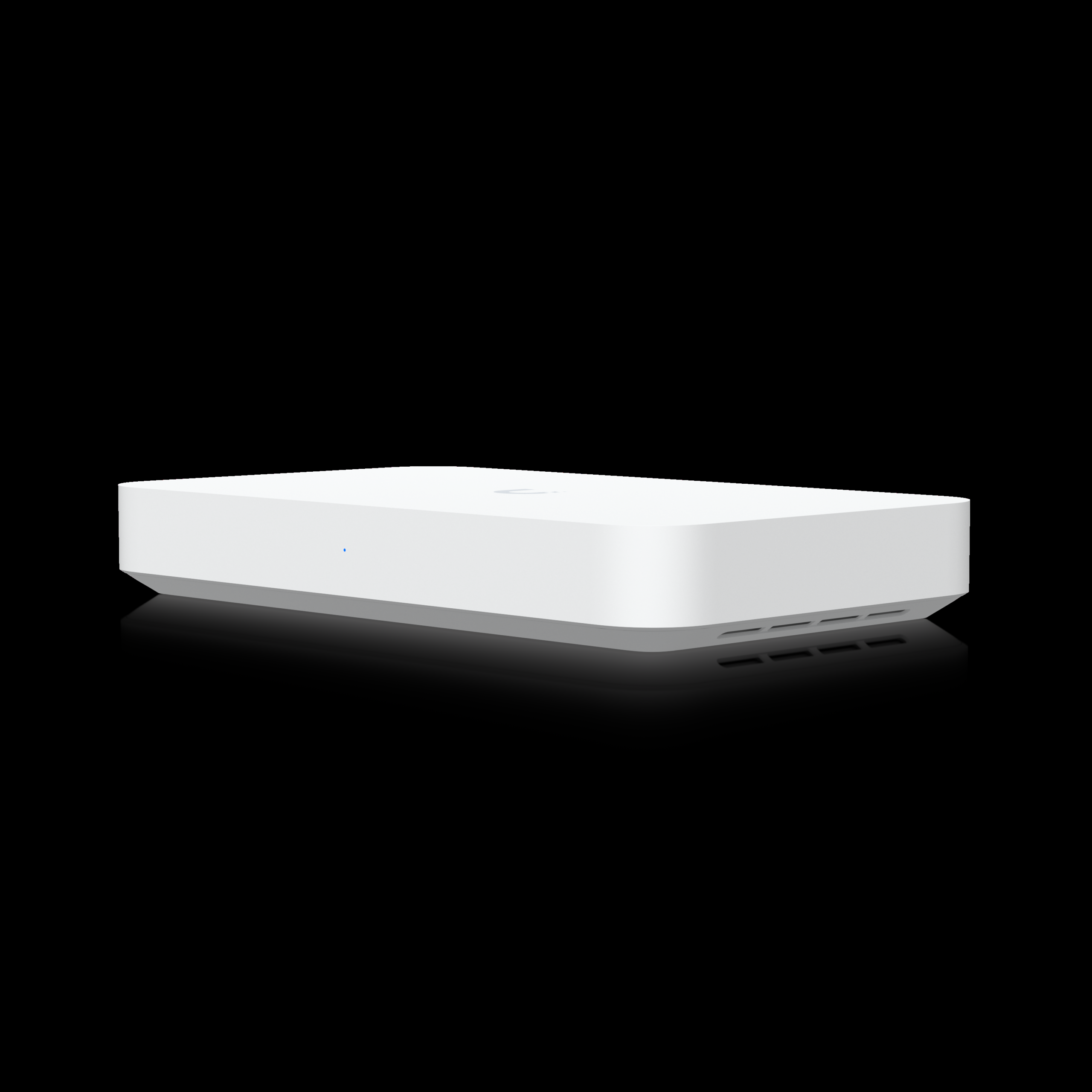
If you spec a UniFi deployment around fiber handoff, the gateway has always been the awkward part. The old UXG-Lite pegs out long before your circuit does, and the bigger Cloud Gateways cost more than some switches. The UXG-Fiber is Ubiquiti’s answer: a compact desktop gateway built around 10G on both sides of the firewall, with an integrated four-port switch for the handful of devices that legitimately need to sit behind the WAN boundary. At $279 list, it undercuts its own siblings for anyone who actually has fiber to terminate.
What the UXG-Fiber Actually Is
The UXG-Fiber is an independent gateway — meaning it runs UniFi OS but does not host a Network application itself. You manage it from a Cloud Key, Ubiquiti’s official UniFi Hosting, or a UniFi OS Server elsewhere on the site. That distinction matters on bigger jobs: if the customer wants a single Consolidated gateway they can log into for Network and Protect, this box only plays that role if something else hosts the application. Pair it with a hosted instance and it slots in cleanly as the dedicated 10G edge.
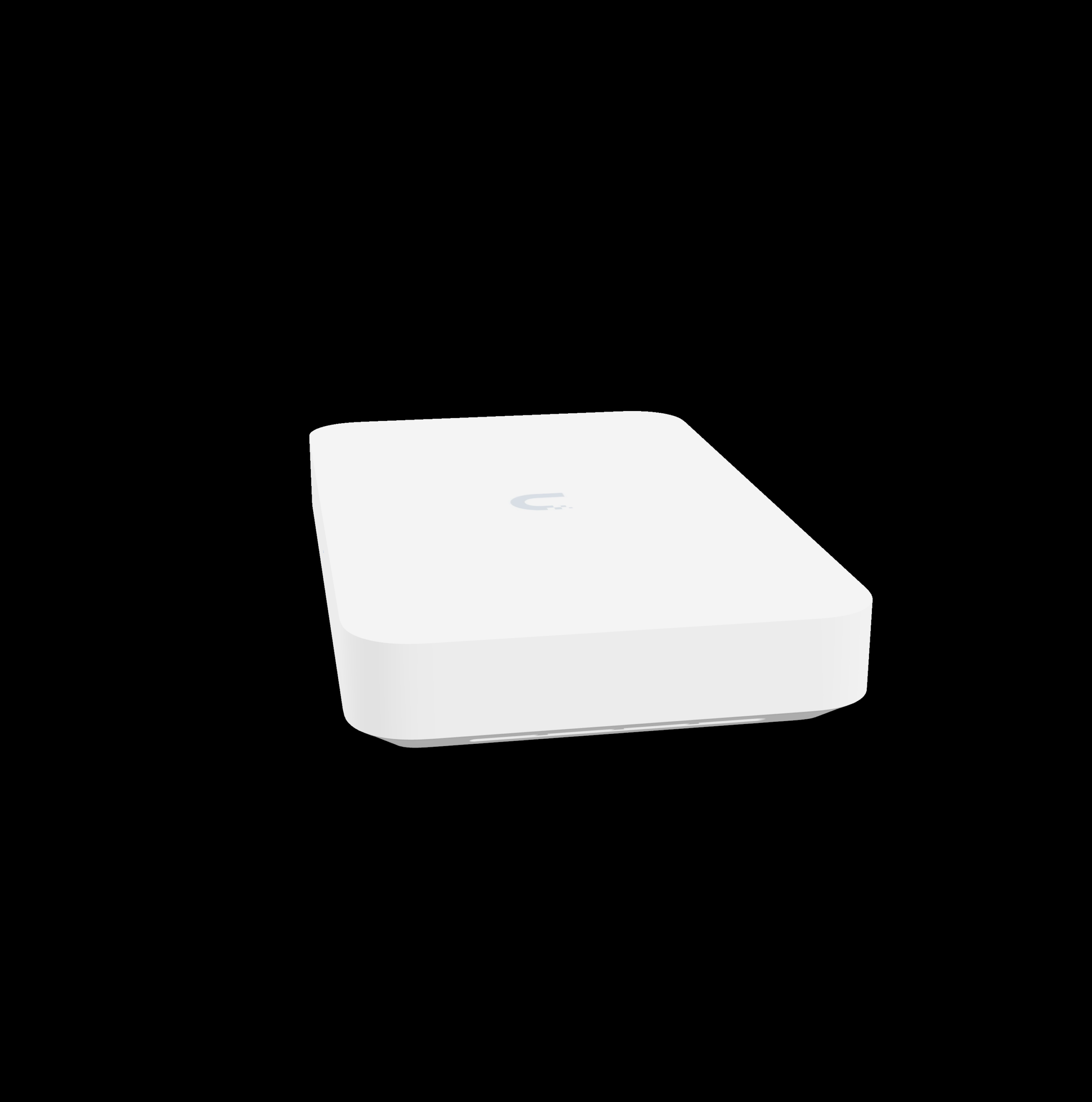
Under the hood it’s a quad-core ARM Cortex-A73 at 2.2 GHz with 2 GB of system memory, and Ubiquiti rates it at 5 Gbps of routing throughput with IDS/IPS enabled. That number is the one to care about — it’s the real ceiling once security features are on, not the raw wire speed of the ports. For most small-business circuits that’s genuinely enough headroom to run intrusion prevention at full line rate and never think about it again.
Verified Specifications
| Item | UXG-Fiber |
|---|---|
| Price (US store) | $279 (incl. surcharge $307) |
| Processor / Memory | Quad-core ARM Cortex-A73 @ 2.2 GHz / 2 GB |
| Routing throughput (IDS/IPS) | 5 Gbps |
| WAN ports | (1) 10G SFP+ and (1) 10 GbE RJ45; max 6 WAN with failover |
| LAN ports | (1) 10G SFP+, plus integrated switch: (4) 2.5 GbE RJ45 with (1) PoE+ port |
| PoE budget | 30W total, PoE+ max per port |
| Power | 54V DC/1.1A adapter included; max draw 25W excluding PoE output |
| Dimensions / weight | 212.8 x 127.6 x 30 mm (8.4 x 5 x 1.2 in) / 605 g (1.3 lb) |
| Security | Stateful firewall, application-aware L7 firewall, DPI, zone-based filtering (regions/domains/apps), content filtering, IDS/IPS, ad blocking, 55,000+ signatures with CyberSecure |
| VPN / SD-WAN | License-free SD-WAN, Site Magic, IPsec, OpenVPN, WireGuard, Teleport zero-config VPN; server and client modes; L2TP |
| Routing features | Multi-WAN load balancing, OSPF dynamic routing, advanced QoS, mDNS, advanced NAT (SNAT/DNAT/masquerade/pooling/1:1), integrated RADIUS server with RadSec |
| Management | Ethernet, Bluetooth; CloudKey, official hosting, or UniFi OS Server |
| Operating range | 0–40°C, 5–95% non-condensing; ESD/EMP air ±8kV / contact ±4kV; NDAA compliant |
Install Notes From the Field Perspective
Where it shines: small office or MDF builds where the fiber handoff comes straight out of the wall. The SFP+ WAN means you can drop in a fiber module and terminate the circuit at the firewall itself — no media converter, no extra power brick, no switch port wasted on the uplink. The second 10G port running the integrated switch handles the uplink to the core. The one PoE+ port is perfect for the single device that always ends up cabled to the gateway — an AP, a camera, whatever — so you don’t have to run it back to a PoE switch.
Thermal reality: rated to 40°C max ambient, ~85 BTU/hr heat output. Fine in an airy rack or on a shelf; be careful stacking it in an unventilated enclosure next to a hot PoE switch. It’s a desktop form factor — there’s no rack mount in the box, so plan for the Universal Table Stand ($29) or Floating Mount ($39) if placement matters and dress the DC brick to the backboard rather than letting it hang on its cord.
Manageability check: since it doesn’t host Network locally, budget for a Cloud Key, hosting subscription, or server box somewhere in the deployment. For multi-site clients already on official hosting or a CloudKey at the main site, this is a non-issue, and the license-free SD-WAN plus Site Magic make it an easy edge device on every site.
Who Should Buy This (and Who Shouldn’t)
Buy it if: you’re terminating fiber or a multi-gig circuit at the edge and already have a UniFi controller story sorted. It’s also the right call for MSP builds where every site runs the same policy-driven firmware from one pane of glass — license-free SD-WAN means you’re not paying per-site to get dynamic failover between two WAN services. And for public-sector or federally funded jobs, NDAA compliance is on the spec sheet, which immediately disqualifies plenty of the cheap-gateway field.
Skip it if: the site needs one box to run everything — single-box deployments belong with the UDM family. Skip it if you were counting on those front ports as your switching layer; one PoE+ port and a 30W budget is a courtesy, not a switch. And if the circuit is 1 Gbps or under with no growth plans, a cheaper gateway without SFP+ does the job and you can bank the difference.
How It Fits a Real BOM
A typical build I’d put this in: fiber handoff to the SFP+ WAN (a matching Ubiquiti module for the ISP’s optics), a direct-attach cable from the SFP+ LAN up to the core switch, and the RJ45 WAN wired to a second ISP or redundant carrier for failover and load balancing. From there UniFi’s zone-based firewall and dynamic routing do the rest — OSPF if the upstream gear speaks it, static default plus a failover policy if it doesn’t. On MSP-standardised sites, lock the policies in Network, apply them profile-wide, and the UXG-Fiber becomes an invisible box that just moves traffic fast.
One detail installers miss on the spec sheet: the SFP+ ports run 10G/1G and the RJ45 WAN runs 10G/2.5G/1G — the integrated switch is 2.5G. Plan your cabling to match; the last thing you want is a 2.5G-only path on what you sold as a full 10G run. Same logic on the PoE side: the single PoE+ port is 30W max, so an AP yes, a pan-tilt camera with a heater, maybe not.
Pros and Cons
| Pros | Cons |
|---|---|
| Real 10G SFP+ WAN at a $279 price point | No local UniFi Network application — needs a controller elsewhere |
| 5 Gbps IDS/IPS throughput covers most sub-5G circuits at full line rate | 30W PoE budget on a single PoE+ port — not a switch replacement |
| License-free SD-WAN, OSPF, full VPN suite including WireGuard and Teleport | Desktop form factor; rack/table mounts are accessories |
| NDAA compliant — relevant for public-sector and enterprise bids | Max 40°C ambient limits hot-enclosure installs |
| Zone-based L7 firewall, DPI, 55,000+ IPS signatures (with CyberSecure) | CyberSecure is a $99/unit/yr subscription for the full signature set |
| Max 6 WAN connections with failover and multi-WAN load balancing | Integrated switch is 2.5G, not 10G, except the single SFP+ LAN port |
Bottom Line
If your deployment has a fiber handoff and a controller already picked out — hosting, a Cloud Key, or a Consolidated gateway elsewhere — the UXG-Fiber is the cheapest credible way to get genuine 10G through a UniFi firewall. For sites that need one box to do everything, keep looking at the UDM family. But as a purpose-built edge for fiber circuits, it does exactly what it says on the datasheet, at a price that makes it easy to standardize on every site of a multi-location build.
Spec’ing a fiber-edge UniFi build or want a second opinion on your gateway choice? Get in touch — happy to talk through the BOM.
Product specifications and imagery sourced from the official Ubiquiti store product page (store.ui.com), October 2026.
