
Synology DS1823xs+ Review: The Eight-Bay Tower That Refused to Join the Rack
The DS1823xs+ is the oddball in Synology’s lineup: an eight-bay tower instead of a rackmount, but with xs-series hardware underneath — ECC memory, a built-in 10GbE port, an out-of-band management port, and a real PCIe slot. Synology pitches it as storage for businesses without a dedicated server rack, and that framing is exactly right. If you have a closet shelf but not a rack, this is the box.
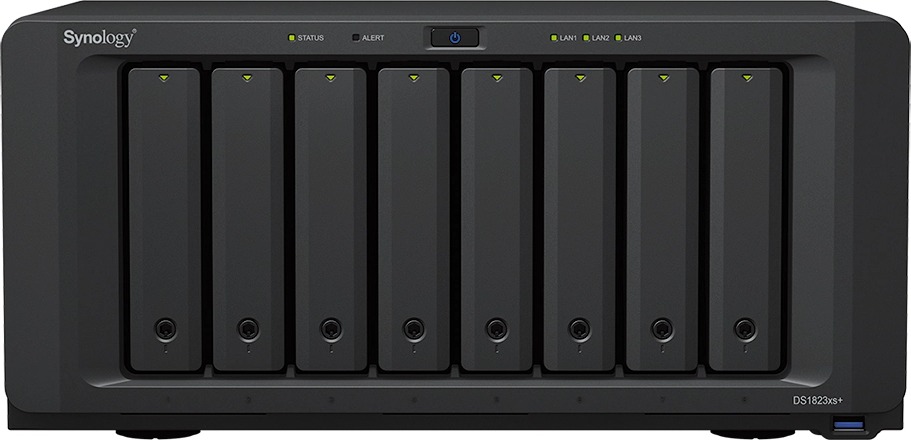
Verified specifications
| CPU | AMD Ryzen V1780B, 4 cores / 8 threads, 3.35 GHz base / 3.6 GHz turbo, 64-bit, hardware encryption engine |
| Memory | 8 GB DDR4 ECC SODIMM pre-installed (8 GB × 1), 2 slots, max 32 GB (16 GB × 2) |
| Drive bays | 8 × 3.5″ SATA HDD or 2.5″ SATA SSD, plus 2 × M.2 2280 NVMe SSD slots |
| Max bays w/ expansion | 18 with two DX517 units (eSATA expansion ports × 2) |
| Network | 1 × RJ-45 10GbE, 2 × RJ-45 1GbE (1 GbE ports limited to 1500 MTU), 1 × dedicated out-of-band management port |
| PCIe | 1 × Gen3 x8 slot (x4 link) — supports Synology E25G30-F2 25GbE or E10G30-F2 / E10G30-T2 / E10G18-T1 10GbE cards |
| USB | 3 × USB 3.2 Gen 1 |
| Performance (Synology lab) | Up to 3,100 MB/s sequential read / 2,600 MB/s write |
| Software ceilings | Up to 300 endpoint backup targets, 75 IP cameras (Surveillance Station) |
| Cache | SSD read/write cache volumes on NVMe or SATA SSD |
| Size / weight | 166 × 343 × 243 mm, 6.2 kg; two 120 mm fans, easy-replacement; 23.6 dB(A) idle |
| Power | 250 W PSU; 87.93 W access / 28.37 W HDD hibernation |
| Warranty | 5 years (from purchase date on receipt); RoHS, FCC, CE |
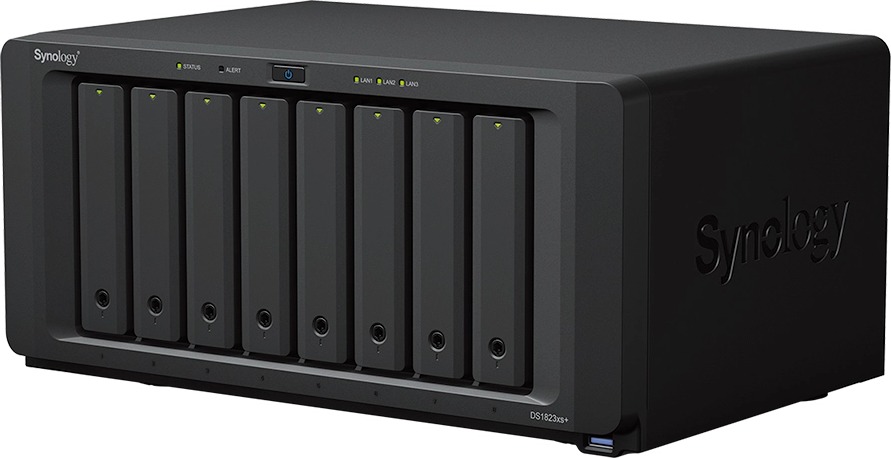
What it actually buys you on a job
The ECC memory jumps out first. Synology reserves ECC for its upper tiers, and here it is standard with two SODIMM slots and a documented 32 GB ceiling. For VM datastores over iSCSI or NFS, that is the difference between “nice NAS” and “server-grade storage node.” Populate both slots early with Synology’s validated modules (D4ES03-8G/16G) — Synology will not honor full warranty support with unvalidated RAM, so put the matched pair on the quote on day one instead of a second truck roll later.
The 10GbE port is built in, not an option card — one less SKU and one less failure point. The PCIe slot then gets you 25GbE uplink (E25G30-F2) when the core switch warrants it. Note the slot is physically x8 but wired at x4: Gen3 × 4 is roughly 32 Gbps of raw bandwidth, so a single 25GbE port is still fully fed, but do not expect a dual-port card to run both pipes at full tilt.
The out-of-band management port is a real integrator feature, not decoration. When DSM is wedged you can still reboot, reset, and read logs without crawling into the closet. That is the kind of thing that saves a truck roll, and on a multi-site MSP contract it is worth more than any single spec line.
Install use cases that fit
- Offices without a rack. The tower form factor is the whole point. At 23.6 dB(A) idle you can keep it on a shelf in a back office instead of buying a rack and a shelf just to house a NAS. Keep it off the floor — cable management loops ten inches high will vacuum its intake airflow.
- Backup target for MSP stacks. Three hundred endpoint backup targets within spec, Hyper Backup plus Btrfs snapshots with metadata mirroring and file self-healing — the classic “one box backs up the whole site” deployment. Reserve two bays for a mirror of the hot data and snapshot-schedule against the client’s retention policy, not the default.
- VM and virtualization storage. ECC onboard, NVMe cache, 10GbE standard, DX517 expansion for a second tier. Treat the M.2 slots as the cache pair (they are not hot-swappable — plan the thermal pads), and keep the datastore volume on the front bays so drive swaps never touch the cache.
- Surveillance consolidation. Up to 75 cameras on Surveillance Station within spec. For anything write-heavy, add the SSD read/write cache — playback during simultaneous recording is exactly where cache earns its cost.
Pros and cons
Pros: ECC RAM standard with two slots; 10GbE on the board, no add-on SKU; out-of-band management port; dual NVMe cache slots; online expansion to 18 bays with two DX517 units without downtime; 5-year warranty; near-silent for an eight-bay box.
Cons: PCIe slot is x8 physical / x4 electrical — a dual-port 25GbE card will not give you two full pipes; the 1GbE ports are capped at 1500 MTU; Synology locks full warranty support to its validated RAM and drive lists (HAT5300, SAT5200, SNV3400/SNV5400), which inflates the real BOM over grey-market drives; single PSU, so a UPS on the circuit is not optional; lab throughput numbers assume a clean single-service test — real mixed loads land lower.
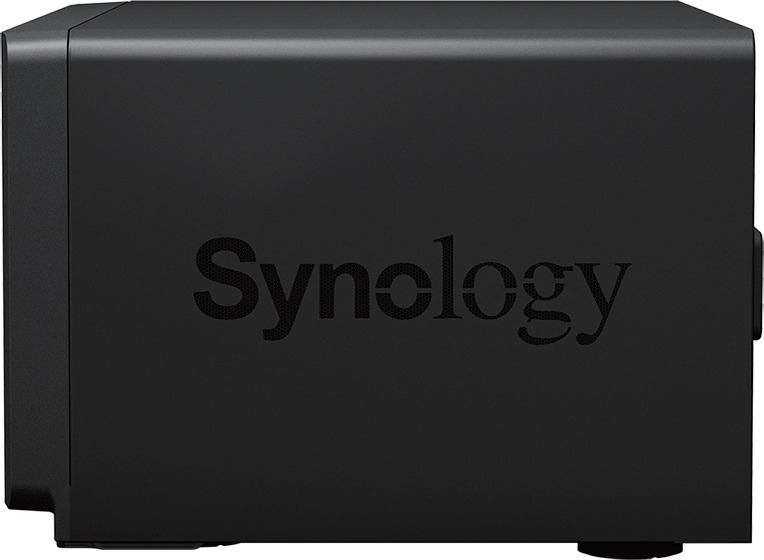
How it stacks against the rack siblings
Buyers comparing the DS1823xs+ to the rackmount RS1221+ line should understand what they are trading. The rack units give you rails, redundant power on RP models, and rack-consistent service clearances; the tower gives you quieter operation, a desk-friendly footprint, the built-in 10GbE port, and the Ryzen V1780B. If the deployment is a wiring closet that already has a rack in it, the rails matter more than the noise spec and you should buy the rackmount. If the “server room” is a shelf in the office copy closet, the tower is the honest answer, and the built-in 10GbE more than pays for the adapter bracket you skipped.
On expansion math: two DX517 units take you to 18 bays, which at today’s high-capacity SATA drives is an enormous raw pool for a box this size. Keep the DX517s on short, quality eSATA cables and label both ends — expansion-chain troubleshooting on a tower shoved behind shelving is how weekends die.
Bottom line
The DS1823xs+ is Synology telling you the rackmount tax is optional. You get the xs-class silicon, ECC, 10GbE, and OOB management in a box that lives on a shelf — and the BOM discipline (validated RAM and drives, a UPS on the circuit, honest snapshot schedules) is what separates the installs that hum from the ones that call you at 7 AM. If the client genuinely needs chassis-level redundancy, go rackmount with dual PSUs and pay for it. If they just need serious storage somewhere a rack will never live, quote this box with confidence.
Questions about a deployment? Get in touch.
Product photos courtesy of Synology Inc. (synology.com DS1823xs+ product page); white space trimmed. Specifications verified from the official Synology spec page, October 2026.
