
TP-Link SG2210XMP-M2 Review: The Fanless Wall-Mount Switch Where Every Port Is Really 2.5G
Somewhere in every mid-size job there is one switch that does all the thankless work: eight Wi-Fi 7 access points pulling 2.5 gig a piece, a couple of cameras that only fit on PoE, and an uplink that has to get everything to the core without bottlenecking. TP-Link’s Omada Access Pro tier exists exactly for that switch, and the SG2210XMP-M2 is the compact end of it — eight 2.5G PoE+ ports, two 10G SFP+ uplinks, and a 160-watt budget in a fanless box you can stick under a desk or on a wall.
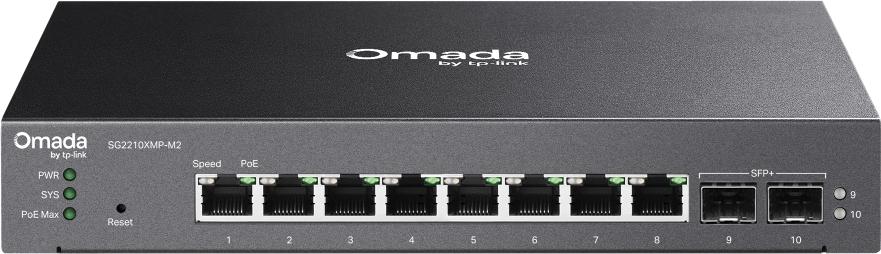
What it is
The SG2210XMP-M2 is an L2+ managed switch in Omada’s Access Pro class — the tier one step above Access Plus, defined by putting multi-gig on the access side instead of only on the uplink. Every RJ45 port runs 10/100/1000/2500 Mbps with 802.3af/at PoE++, all eight ports live simultaneously, and two 10G SFP+ slots handle the uplink. The PoE budget is 160 watts with up to 30 watts of output per port (TP-Link’s own asterisk applies — real per-port delivery depends on total draw), and it supports both Fast PoE and Perpetual PoE, which means PoE doesn’t blink during a reboot. For a job with eight Wi-Fi 7 APs, that budget matters: BE-level APs routinely ask for 20–25 watts at boot, and 8 × 25 = 200 would blow the budget. In practice most APs idle well under their floor, but size it honestly.
Verified specifications
| Item | SG2210XMP-M2 |
|---|---|
| Ports | 8× 10/100/1000/2500 Mbps RJ45 PoE+ |
| Uplinks | 2× 10G SFP+ |
| PoE standard | 802.3af/at compliant, Fast PoE, Perpetual PoE |
| PoE budget | 160 W total, up to 30 W per port* |
| Switching capacity | 80 Gbps |
| Forwarding rate | 59.52 Mpps |
| MAC table / buffer | 16 K / 12 Mbit, 9 KB jumbo frames |
| L2+ features | Static routing (32 IPv4/IPv6 routes), DHCP server & relay, link aggregation, STP/RSTP/MSTP, LLDP/LLDP-MED, voice VLAN, 4K VLANs |
| ACL / security | 230 ACL entries, 802.1X (port-based, MAB, PAP/EAP-MD5, RADIUS), IP-MAC-Port binding (512), DHCP snooping, IP source guard, storm control, port isolation, HTTPS/SSH |
| Management | Omada SDN (hardware controller, software controller, or cloud-based — v5.15.20+ required), zero-touch provisioning via cloud controller, standalone web GUI, CLI (telnet), SNMPv1/v2c/v3 |
| Extras | Dual image/dual config, cable diagnostics, DDM on SFP+, ONVIF, RMON, dying gasp |
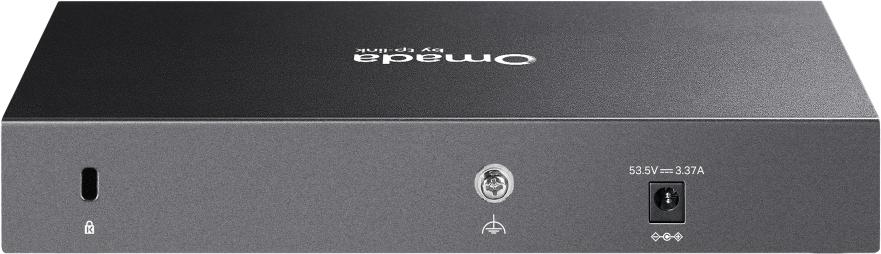
| Physical | 8.9 × 5.2 × 1.4 in (226 × 131 × 35 mm), fanless, desktop/wall-mount, security lock, AC/DC adapter (100–240 V in, 53.5 V DC out) |
| Power draw | ~193–196 W max with full 160 W PoE load |
| Operating range | -5 to 40 °C (23–104 °F), 10–90% RH non-condensing |
Build and design notes
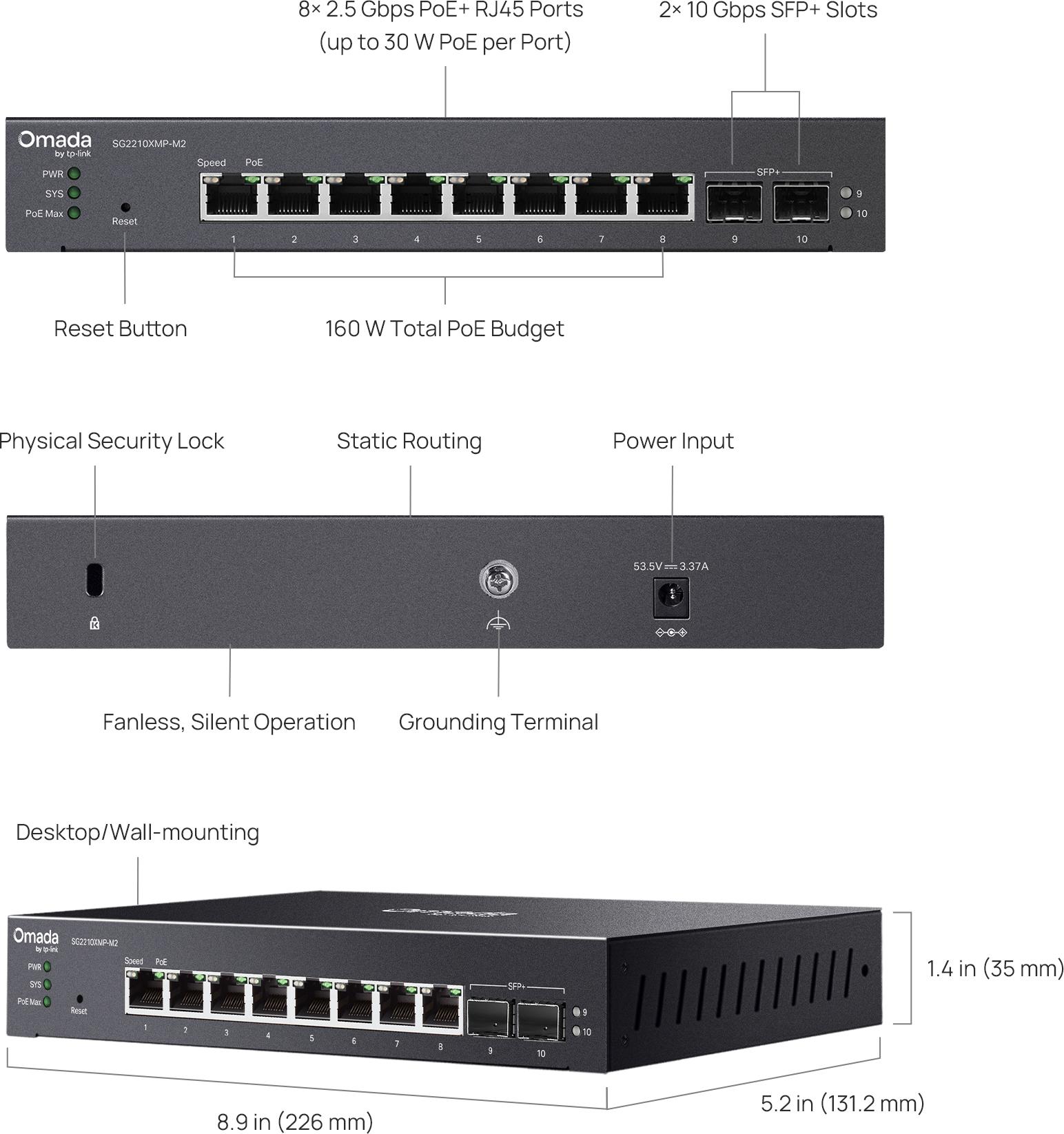
Fanless is the headline feature for a lot of installs, and it is not decoration — at full 160 W PoE load this box is pushing close to 200 watts through a metal chassis the size of a thick binder. That means convection cooling needs real air over the case: don’t button it up in a closed cabinet with the router and a UPS, and the wall-mount orientation matters. The desktop/wall-mount form factor is exactly right for MDF closets, classroom walls, retail back rooms, and office suite telecom niches where a rack-mount switch would be silly — half these jobs don’t have a rack.
How it stacks against its bigger sibling
| SG2210XMP-M2 (this one) | SG3218XP-M2 (bigger sibling) | |
|---|---|---|
| 2.5G ports | 8 (all PoE+) | 16 (4× PoE++, 12× PoE+) |
| 10G uplinks | 2× SFP+ | 2× SFP+ |
| Best for | Small closets, wall-mount drops, single-branch offsites | Full-floor access where you need port count and PoE++ headroom |
Where it actually earns its keep
Small office / branch closets. Eight Wi-Fi 7 or Wi-Fi 6E APs on 2.5G, PoE-powered, all served from one wall-mounted box with a fiber uplink to the gateway. This is the sweet spot — the switch is precisely eight ports because that’s what a small closet has drops for.
Surveillance aggregation. ONVIF support plus Fast PoE plus DDM on the SFP+ ports is a surveillance-friendly checklist. Cameras boot fast on Fast PoE, and the 30 W per-port ceiling covers all but the fattest PTZ units. If you’re running more than eight PoE devices, this is the wrong box — go up to the SG3218XP-M2.
Retail and hospitality drops. Fanless means it can live near people. Combined with voice VLAN and 802.1X, it works fine as the edge switch in a quieter hotel floor or clinic where an IT closet is a ten-minute walk.
Installer notes from the closet floor
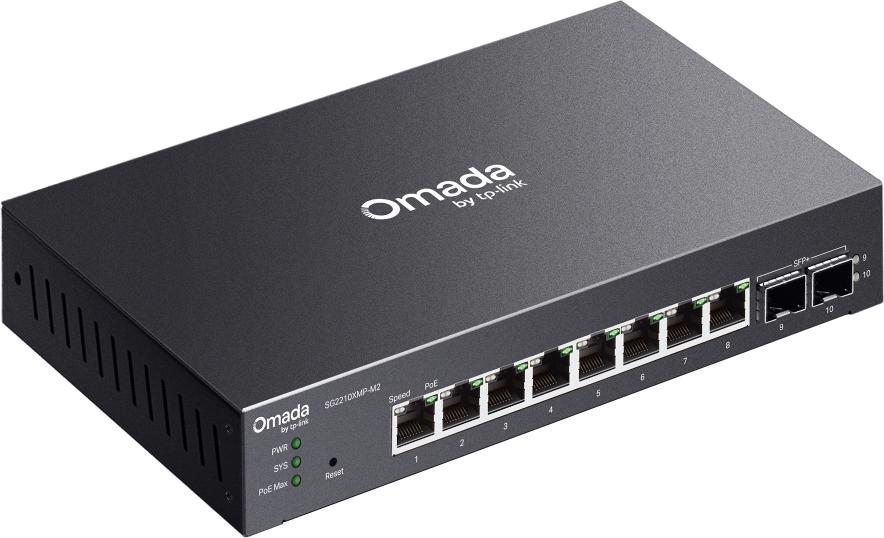
A few things that matter once the box is on the wall. First, the power situation: this switch runs off an AC/DC adapter, not an internal supply, so the adapter needs a home — Velcro it to the backboard, don’t let it hang off the cord next to a fan-less chassis that already runs warm. Second, cable the uplink first: both SFP+ slots support DDM, so you can confirm Rx power on the fiber before you certify the run, and the uplink should come up at 10G with LACP or STP boundaries agreed with the core switch before any APs come online. Third, budget PoE per port out loud: eight Wi-Fi 7 APs each asking for 25 W at boot will trip the 160 W ceiling even if the switch recovers when radios idle — boot order and Fast PoE sequencing matter when every port is loaded. Finally, do not mount the fanless case in a sealed enclosure at the top of its 40 °C operating range; convection cooling needs airflow over the fins, and a hot closet is how an early RMA happens.
Pros and cons
Pros: all eight ports are real 2.5G delivering up to 30 W each (most “2.5G” switches reserve serious PoE for two ports only); Perpetual PoE survives reboots; full L2+ feature set with 802.1X, static routing, DHCP relay; fanless and wall-mountable; Omada ZTP across the estate with standalone fallback; dual image/config for safe upgrades.
Cons: 160 W budget runs hot if you load it — derate for closed spaces and the 40 °C ceiling; eight ports is genuinely small, so plan port counts before falling in love; true L3 features (dynamic routing) start a tier up; requires a controller (v5.15.20+) for the good features — fine if you’re already all-in on Omada, annoying as a one-off.
Management: the real reason it sells
The hardware specs are table stakes at this price point; the management plane is what makes the SG2210XMP-M2 an easy yes on a multi-site rollup. It joins the same Omada controller as the APs and the gateway — hardware controller, software controller, or the cloud-based controller (build v5.15.20 or later) — which means one pane of glass for VLANs, PoE state, rogue clients, and firmware across every site. Zero-touch provisioning through the cloud controller means a technician who has never seen this switch can mount it, plug the uplink, and let the controller adopt and push config. It still runs standalone through its web GUI or telnet CLI if a site has no controller, and SNMPv3 plus RMON keeps it reportable into whatever NMS the customer already runs. Dual image and dual config are worth paying attention to: they let you stage firmware and roll back a bad config without touching the site, which is exactly what a fleet of wall-mounted fanless switches in fourteen buildings needs.
Bottom line
The SG2210XMP-M2 is the access switch for jobs where every drop is 2.5G, the load is PoE, and there’s no rack. If your site has eight APs and a fiber stub, it’s the right size and the right price tier — and the Perpetual PoE and Fast PoE behaviors are the kind of details you appreciate on day 40 of a deployment, not day one. When the port count outgrows it, TP-Link’s own Access Pro/Access Plus ladder goes up cleanly, which is the whole point of buying a family instead of a one-off. Talk to us about your design.
All specifications from TP-Link’s official product page. Product imagery courtesy of TP-Link.